
Vidou
vidou.aiImage-to-video generator with no login
Turn a JPG, PNG or WEBP photo into a 5-second 720p video by describing the motion in plain words.

Overview
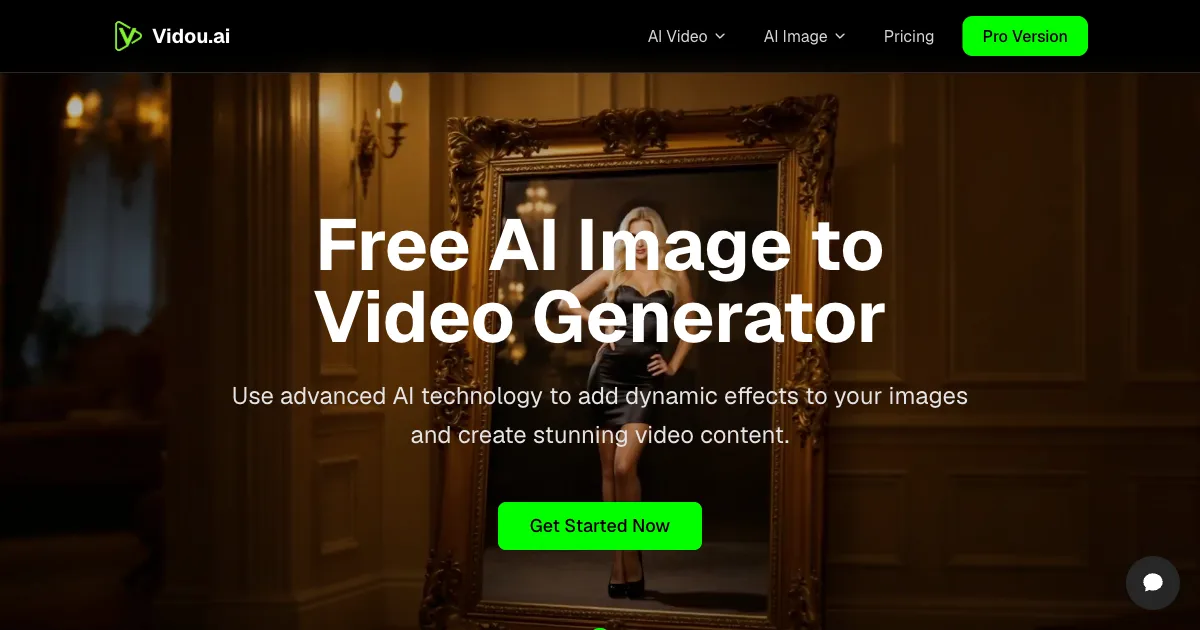
Vidou is an online toolkit for turning a still photo into a short AI video. You upload a JPG, PNG or WEBP image, describe the motion in plain language, pick an aspect ratio and download a 5-second 720p clip. The homepage generator needs no login, while signed-in users get credit-based Image to Video, Text to Video, Text to Image and Image Edit tools.
How it works
Upload a static image such as a portrait, landscape, product photo or artwork, then type a natural-language prompt like waves gently flowing or hair blowing in the wind. Choose one of five aspect ratios (9:16, 16:9, 1:1, 4:3 or 3:4), click generate and download the result. Generation typically takes a few seconds to a minute depending on your device and connection. The page must stay open during rendering, because closing it interrupts the task and loses your settings.
Key capabilities
The engine produces 5-second videos at 720p (1280x720) with motion ranging from camera pans, zooms and tilts to flowing water, waving flags, moving clouds, wind, rain, light changes and character animation such as hair movement and facial expressions. Prompts do not need special syntax, and the tool automatically optimizes the input for video quality regardless of the original format. It runs on desktop or mobile without a GPU.
Pricing and limits
The homepage image-to-video generator is described as completely free, with no credit requirements, no watermarks and no sign-up. Paid credit packages are one-time purchases with credits that never expire: Basic at $15.99 for 300 credits with standard speed and up to 3 parallel tasks, Pro at $29.99 for 1500 credits with fast speed and up to 10 parallel tasks, and Max at $69.99 for 5000 credits with the fastest speed and unlimited parallel tasks.
Pricing & limits
Verified 11/18/2026Getting started
Open the homepage, click or drag an image into the upload area, and write a short motion prompt. Select your aspect ratio, generate the video and download it when it appears. For the wider toolkit, sign in to the workspace, where each tool shows the credits required before you generate and finished results are collected under My Creations. Support is available through the chat on any page, and guides are published on the Vidou blog.
Frequently asked questions about Vidou
- What is Vidou?
- Vidou is an online toolkit for creating short AI videos and images from photos and text prompts. Its homepage offers a free image-to-video generator, and signed-in users get Image to Video, Text to Video, Text to Image and Image Edit tools that run on credits.
- Do I need an account to use the image-to-video generator?
- No. The homepage generator requires no account or login: you upload an image, describe the motion you want, and generate the video. The four workspace tools, by contrast, are for signed-in users and consume credits.
- Is Vidou free?
- The homepage image-to-video generator is described as completely free with no credit requirements. Paid credit packages are also sold: Basic at $15.99 for 300 credits, Pro at $29.99 for 1500 credits and Max at $69.99 for 5000 credits, each a one-time purchase with credits that never expire.
- What image formats and output settings does it support?
- You can upload JPG, JPEG, PNG and WEBP images. Generated videos are 5 seconds long at 720p (1280x720), and you can pick from five aspect ratios: 9:16, 16:9, 1:1, 4:3 and 3:4.
- Are my uploaded images and generated videos stored?
- Vidou says it does not store your images or videos on its servers; processing happens in your browser and content is deleted automatically after rendering. Because generation runs in the browser, you must keep the page open until the video finishes, or the task fails.
Related tools

AI Rap Video Generator
Turn one photo into a 4, 6, or 8-second rap video with generated vocals, a beat, and lip sync, ready for TikTok, Reels, and Shorts.

Magic Hour
Create videos, images, and audio with 100+ AI tools in one browser-based studio.

Molyin
Generate cinematic videos, images, and music from text prompts in one studio.

Photo Animate
Turn still portraits into lifelike videos with natural motion and easy controls.
VoooAI
Turn one sentence into a multi-step workflow that outputs images, video, music and digital-human narration.

AI Tiny Desk
Make a 19-second desk-concert video with lead and sax, full band, Halloween or pet-band modes; audio and silent MP4.
Veoo
Turn a text prompt or uploaded image into 1080p video clips with audio using Veo models.

SnapDub
Paste a YouTube, Twitch, Kick, Rumble or Zoom link and get captioned 9:16 clips with titles, descriptions and hashtags.