Photo to Video AI
phototovideoai.proMulti-model photo-to-video generator
Turn photos into videos with Veo, Kling, Seedance, and Wan models.
Overview
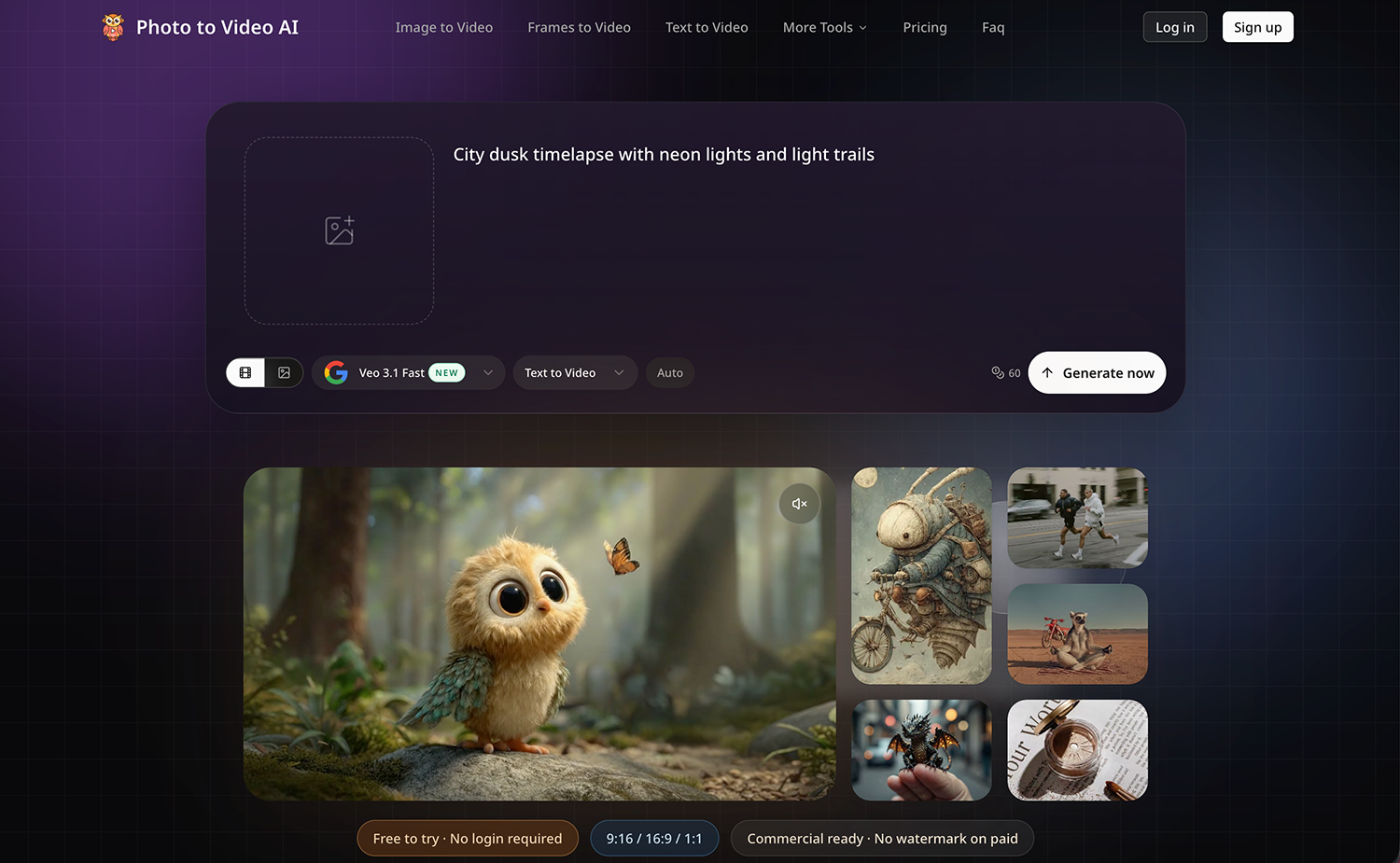
Photo to Video AI is an online service that turns still images into short videos using AI. Users upload a photo, choose a model and settings, and generate clips for social posts, product showcases, or personal memories. It is designed for creators, marketers, families, and small teams who want video without editing skills.
How it works
Photo to Video AI works in three steps. First, sign in and upload a JPG, PNG, or WEBP image. Then choose an AI model, describe the motion, and select video settings like aspect ratio, duration, and resolution. Finally, review the credit cost, generate the clip, and preview and download it. No editing software or timeline skills are required.
Key capabilities
The service includes supported Veo, Kling, Seedance, and Wan models, letting users compare output quality and credit costs in one account. It offers 720p, 1080p, and up to 4K resolution on compatible models, with durations of 4, 6, or 8 seconds. Users can control subject and camera movement with prompts and templates, and use First & Last Frame for transitions between two photos.
Who it is for
Photo to Video AI is built for creators, marketers, families, and small teams. Use cases include animating old family photos, creating product videos and ads, making pet clips for social media, and animating anime or illustrations. It also supports vertical and widescreen formats for Reels, TikTok, and YouTube.
Pricing and limits
New accounts receive free credits with no card required, but free-credit videos include a watermark. Paid plans start at $15.9 per month for 1,200 credits and up to 40 videos, with Pro at $29.9 for 3,000 credits and Max at $69.9 for 8,000 credits. All paid plans offer watermark-free output, unlimited encrypted history storage, and 24/7 support. Failed jobs automatically return charged credits.
Key features
Multiple AI models
Access to Veo 3.1, Kling 2.6 & 3.0, Seedance, and Wan 2.6 models in one workspace.
HD and 4K output
Choose 720p, 1080p, or up to 4K resolution on supported models.
Motion and camera control
Guide subject and camera movement with prompts and ready-made templates.
First & Last Frame generation
Use First & Last Frame to create transitions between two photos.
Multiple reference images
Reference to Video accepts multiple images for consistent characters and products.
Free credits to start
Free credits on signup with no card required; paid plans offer watermark-free output.
Use cases
Family memories
Animate old photos and family portraits for anniversaries, tributes, or personal gifts.
Product videos and ads
Create product clips from existing photos for online stores, launches, and social ads.
Pet animation
Make playful clips of pets for social posts or sharing with friends.
Travel and social content
Turn travel photos into short videos for Reels, TikTok, and YouTube.
Anime and illustration animation
Bring anime characters, illustrations, and artwork into motion for animated shorts or previews.
Pricing & limits
From the official site · checked 10/10/2026Frequently asked questions about Photo to Video AI
- Is Photo to Video AI free to try?
- Yes. Photo to Video AI gives new accounts free credits, with no card required. Free output includes a watermark; generation costs vary by model and settings.
- Is AI Image to Video easy for beginners?
- Yes. AI Image to Video works online with simple upload and generation controls. Create a clip without video editing experience or installing software.
- Which AI Image to Video models are available?
- Photo to Video AI includes supported Veo, Kling, Seedance, and Wan models. Check the selector for current availability, controls, and credit costs.
- Does AI Image to Video support HD and 4K?
- Yes. AI Image to Video offers 720p, 1080p, and up to 4K options on supported models. Some high-resolution outputs use an upgrade step.
- What formats does AI Image to Video support?
- Photo to Video AI accepts JPG, PNG, and WEBP. Video options include 9:16, 16:9, and sometimes 1:1; resolution and duration depend on the model.
Related tools

Photo Animate - Photo to Video AI
Turn still portraits into lifelike videos with natural motion and easy controls.

Molyin
Generate cinematic videos, images, and music from text prompts in one studio.

Magic Hour
Create videos, images, and audio with 100+ AI tools in one browser-based studio.
Free Seedance 3.0 AI Video Generator
Generate 1080p video with dialogue, music, and sound effects from text, images, or audio.
China AI Image & Video Generator
Create AI images and videos with Chinese and global models in one workspace.

Vizstudio
Generate AI videos and images with multiple top models, free credits on registration, no install needed.

RemoveFrom.Video
Erase text, captions, subtitles, and overlays from MP4, MOV, and WEBM videos online.

MakeAIVideo
Generate AI images and videos with frontier models in one prompt box, and let an agent handle the brief.