
Reference to Video
referencetovideo.appReference-guided multi-model video generator
Turn reference images and source videos into consistent AI-generated clips for social content, product demos, and creative variations.
Overview
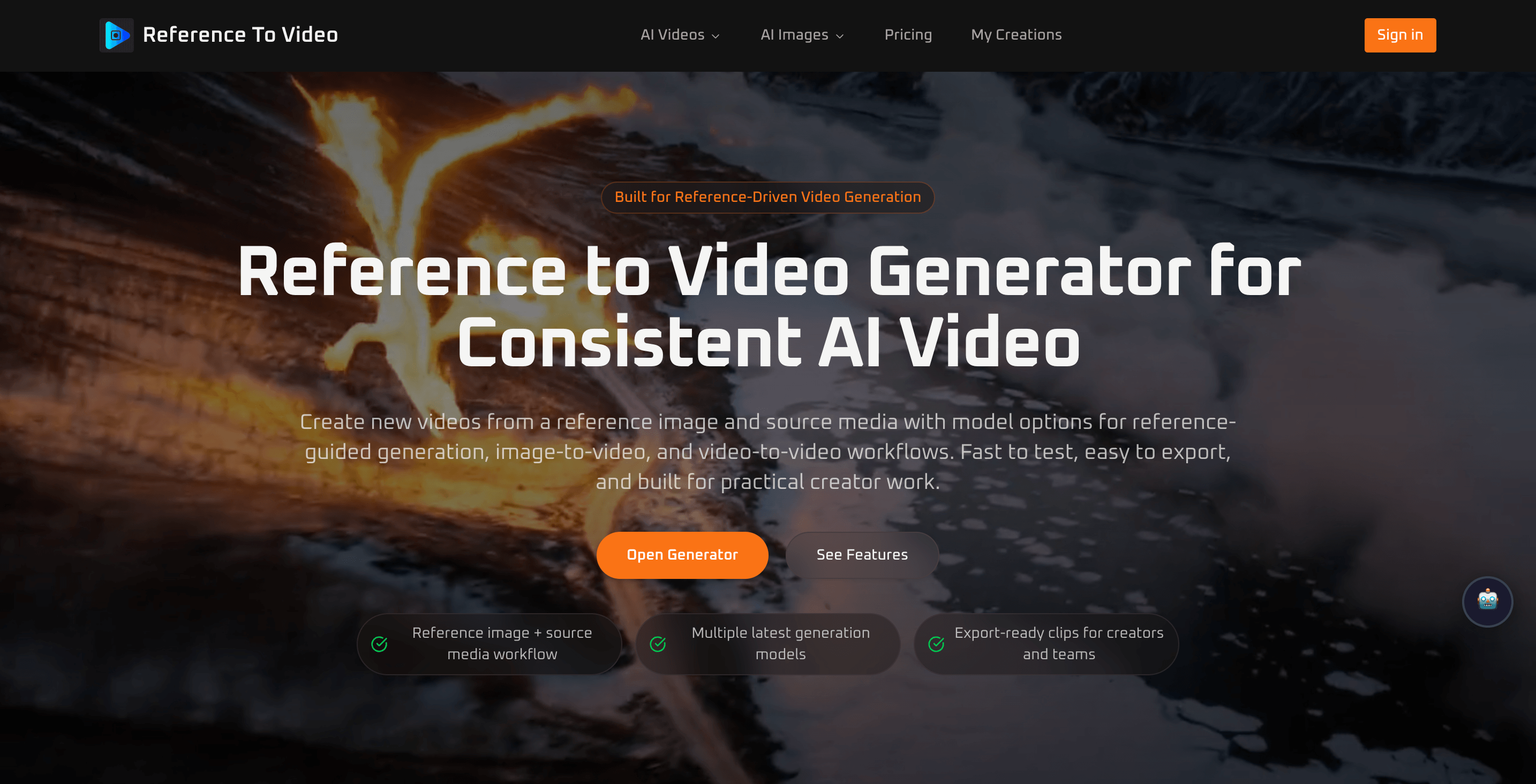
Reference to Video Generator is an AI video creation platform that turns a reference image or source video into a new AI-generated video with improved subject consistency and scene control. Users upload source media, optionally add a prompt, and choose from multiple models to generate videos for social content, product demos, and creative variations. It is designed for creators, marketers, agencies, and visual teams needing more controlled and repeatable AI video output.
How it works
The workflow starts with uploading a clear reference image of the subject you want to keep consistent. Optionally, you can add a source video when the selected model supports reference-guided generation or video-to-video transformation. Finally, choose resolution, aspect ratio, and model, then generate a new video you can review, refine, and export.
Flexible workflows
The platform supports both image-to-video and video-to-video workflows. Use a reference image to preserve appearance, styling, or product details, or use a source video when motion flow, scene timing, and camera direction matter more. This flexibility allows creators to adapt the tool to different creative goals, from character motion to scene transfer.
Who it is for
Reference to Video Generator is built for creators, marketers, ecommerce brands, agencies, and visual teams. It is used for product demo videos, landing page visuals, short social ads, concept testing, and campaign exploration. The tool is especially useful for short-form content on TikTok, Reels, and Shorts where fast production and visual consistency both matter.
Pricing and plans
The platform offers a free tier with 30 free credits on sign-up. Paid plans include Basic at $7.5/month, Pro at $19.92/month, and Max at $29.9/month when billed yearly, with discounts up to 40%. Subscription credits never expire, and paid plans include watermark-free exports, HD generation, private generation, and commercial usage rights.
Key features
Reference-guided generation
Use a reference image or source video to guide AI video generation, improving subject consistency and visual direction.
Image-to-video and video-to-video
Supports both image-to-video and video-to-video workflows, allowing flexibility based on whether appearance or motion matters more.
Multi-model workflow
Choose from multiple AI models to match different output goals, from faster testing to higher visual polish.
Three-step generation process
Upload a reference image, optionally add a source video, then choose resolution, aspect ratio, and model to generate and export.
Export and licensing options
Paid plans include watermark-free exports, HD generation, private generation, and commercial usage rights.
Use cases
Product demo videos
Turn product images into short demo videos for landing pages, ads, launch campaigns, and social media.
Social media content
Create short AI videos for Reels, Shorts, and TikTok with better control over how the subject looks and moves.
Creative variations
Keep the same subject while exploring different scenes, moods, and visual concepts for campaigns or storytelling.
Character motion
Start from a portrait or character reference and generate motion while keeping facial identity, styling, and overall appearance more stable.
Source video variations
Use existing footage to guide motion structure, timing, and direction in controlled video-to-video workflows.
Pricing & limits
From the official site · checked 10/10/2026Frequently asked questions about Reference to Video
- What is reference to video generation?
- Reference to video generation is a workflow where a reference image or source video is used to guide a new AI-generated video, improving consistency and visual direction compared with prompt-only generation.
- Who is this reference to video generator for?
- It is useful for creators, marketers, ecommerce brands, agencies, and visual teams who want more controlled AI video creation for characters, products, scenes, and creative concepts.
- Can I cancel anytime?
- Yes. You can cancel anytime in Billing settings. Your plan stays active until the end of your billing period.
- Do free downloads include watermark?
- Yes. Free downloads include a watermark. Subscribe or buy a one-time pack to export videos without watermark.
- Can I use videos commercially?
- Yes. Paid plans include a commercial license.
Related tools

Photo Animate - Photo to Video AI
Turn still portraits into lifelike videos with natural motion and easy controls.

Molyin
Generate cinematic videos, images, and music from text prompts in one studio.

Magic Hour
Create videos, images, and audio with 100+ AI tools in one browser-based studio.
Veo 4
Create cinematic text-to-video and image-to-video clips with audio-ready scenes and 4K-ready output.

ClipMake
Create UGC video ads in minutes with AI, no hiring or waiting.
MagiHuman
Turn prompts and images into lifelike human videos with natural motion and expressive faces.

Photo to Video AI
Turn photos into videos with Veo, Kling, Seedance, and Wan models.
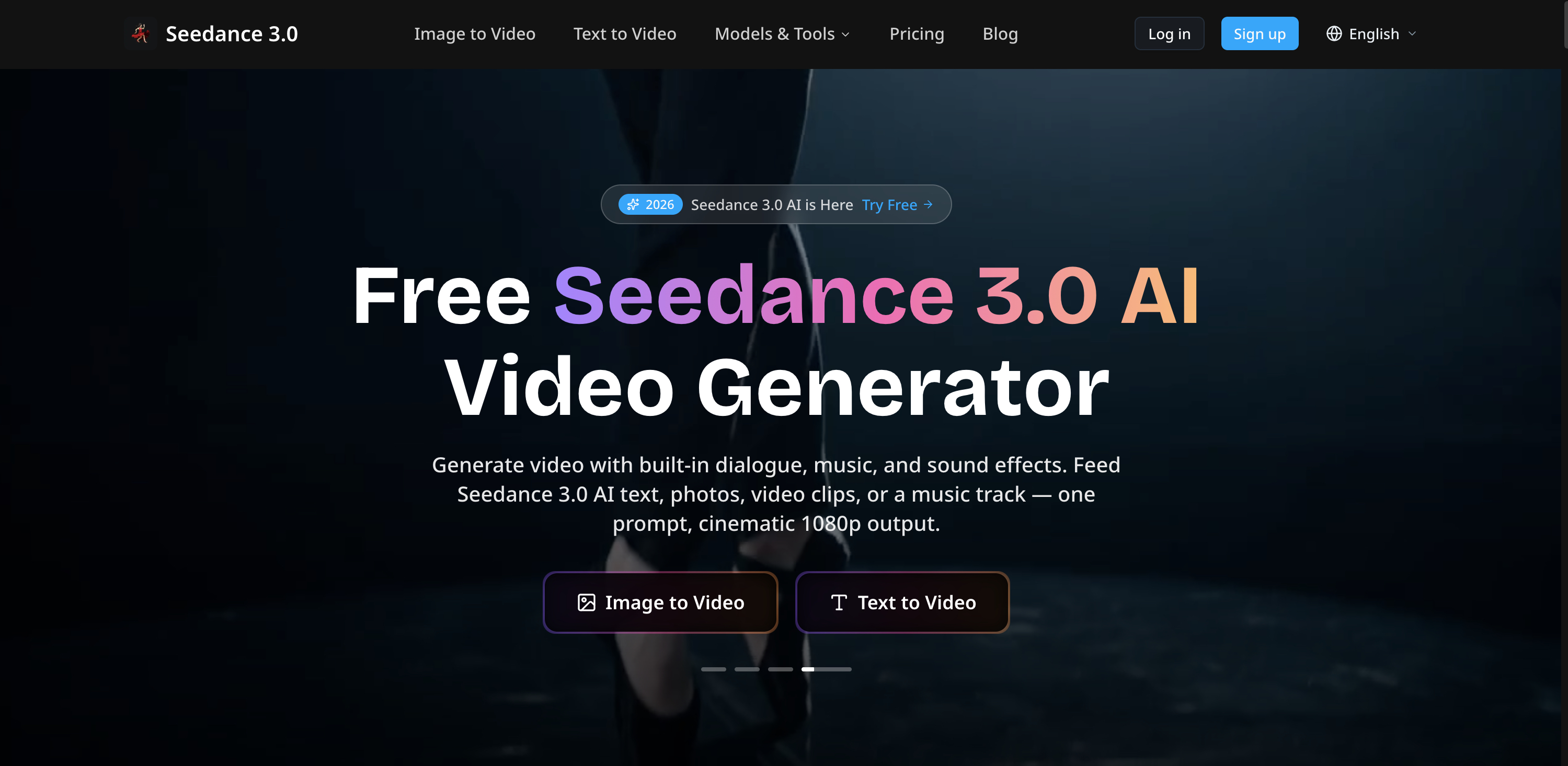
Free Seedance 3.0 AI Video Generator
Generate 1080p video with dialogue, music, and sound effects from text, images, or audio.