
OpusClip
Officialopus.proAI video clipper with virality scoring
Turn long videos into viral clips with AI clipping, captions, and publishing.
Overview
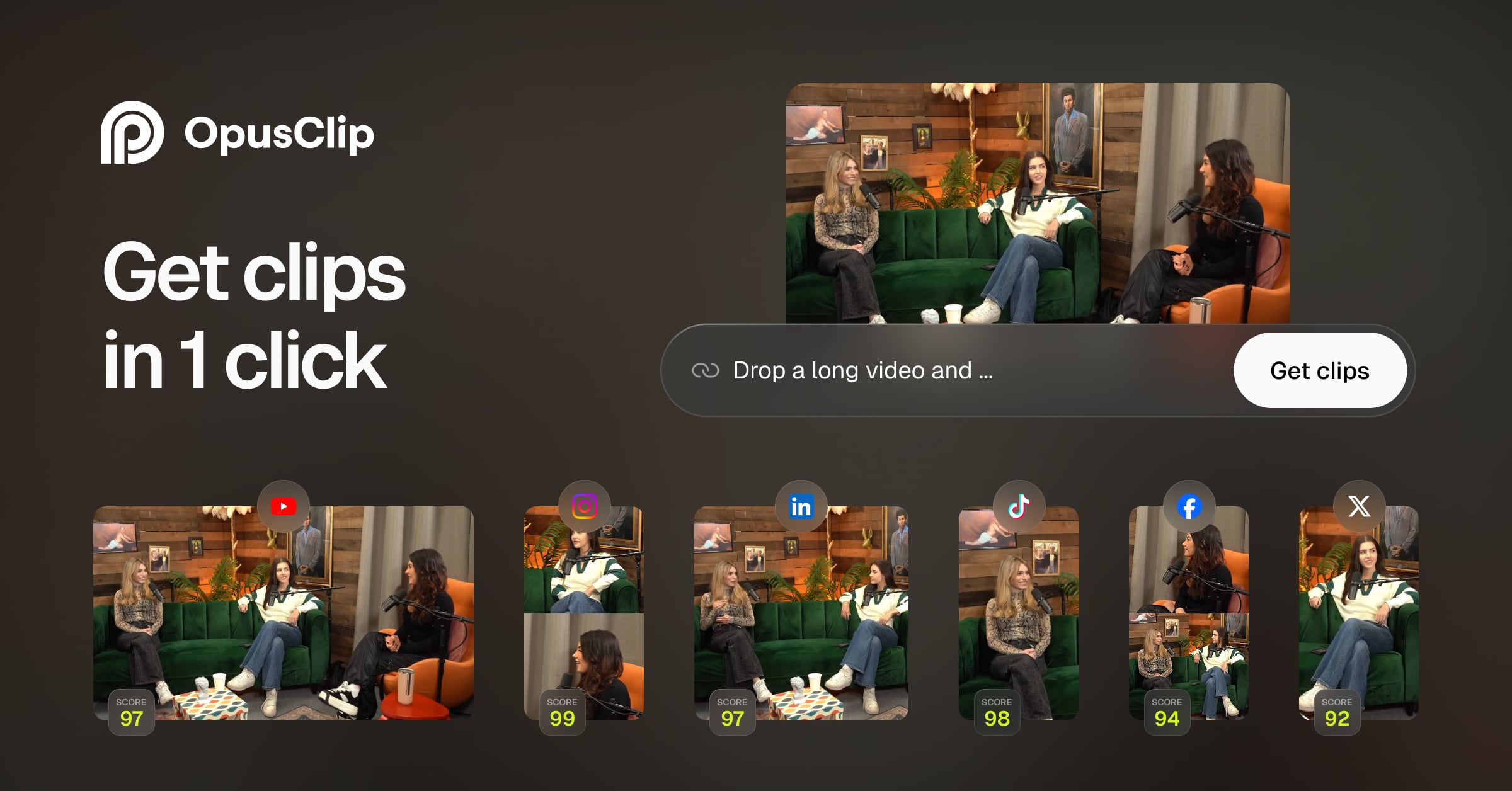
OpusClip is an AI-powered video clipping and editing tool that transforms long videos into short, viral clips for social media. It uses AI to identify key moments, add captions, reframe for different platforms, and even generate hooks. Designed for creators, marketers, and businesses, it supports importing from local files, YouTube, Google Drive, and more, and offers publishing directly to social platforms.
How it works
OpusClip uses AI to automatically clip long videos by spoken words, visual objects, sound, and emotion, with genre-specific curation models. The AI copilot lets you select clipping timeframes and clip lengths, and you can reprompt to fine-tune results. A virality score helps you pick the most promising clips, and auto hook generates engaging openings.
Key capabilities
Key capabilities include AI captions with animated templates and multi-language transcription, AI reframing for various aspect ratios with moving object tracking, and AI video editing with text and timeline-based tools. It also offers AI voice-over, speech enhancement and cleanup, eye contact correction, transitions, and AI video upscaling. Video dubbing and AI sound effects are available on higher plans.
Who it is for
OpusClip is for creators, marketers, and businesses who want to repurpose long-form content into short clips for social media. It supports importing from local files (up to 10GB per video), YouTube, Google Drive, Vimeo, Zoom, Rumble, and StreamYard. You can export as MP4, export in bulk, and even export to Adobe Premiere Pro and DaVinci Resolve.
Pricing and limits
OpusClip offers a free plan with $0 cost, a Starter plan at $15 per month, a Pro plan at $29 per month, and a Business plan with custom pricing. The free plan includes AI clipping, captions with watermark, and 9:16 reframing. Paid plans add features like watermark-free export, bulk export, team collaboration, and API access.
Key features
AI clipping
AI clipping by spoken words, visual objects, sound, and emotion, with genre-specific curation models.
AI captions
Animated caption templates, multi-language transcription, auto emoji and keyword highlights, and speaker-based caption colors.
AI reframe
AI reframe with various aspect ratios, moving object tracking, genre-specific reframing models, and dynamic layout switch.
AI video editing
Text and timeline-based editing, AI image and stock B-Roll, AI video B-Roll powered by Agent Opus, AI voice-over, speech enhancement, and cleanup.
Export and publish
Export as MP4, export in bulk, export to Adobe Premiere Pro and DaVinci Resolve, and post to social media with a scheduler.
Team collaboration
Team workspace, member seats, media storage, auto-save projects, collections, sub-teams, and member permissions.
Use cases
Social media content creation
Repurpose long YouTube videos into short clips for TikTok, Instagram, and Shorts.
Marketing and promotion
Create promotional clips from webinars, podcasts, or live streams for marketing campaigns.
Content repurposing
Automatically generate clips with captions and reframing for multi-platform distribution.
Pricing & limits
Verified 10/19/2026Frequently asked questions about OpusClip
- What is OpusClip?
- OpusClip is an AI-powered video clipping and editing tool that turns long videos into short, viral clips for social media. It offers features like AI clipping, captions, reframing, and publishing.
- Who is OpusClip for?
- OpusClip is designed for creators, marketers, and businesses who want to repurpose long-form video content into engaging short clips for platforms like YouTube, TikTok, and Instagram.
- Is OpusClip free?
- Yes, OpusClip offers a free plan with $0 cost. Paid plans start at $15 per month for the Starter plan and $29 per month for the Pro plan.
- What platforms does OpusClip support?
- OpusClip supports importing videos from local files (up to 10GB per video), YouTube, Google Drive, Vimeo, Zoom, Rumble, and StreamYard. It also allows exporting clips as MP4 and publishing directly to social media platforms.
Related tools

Magic Hour
Create videos, images, and audio with 100+ AI tools in one browser-based studio.

Molyin
Generate cinematic videos, images, and music from text prompts in one studio.

Photo Animate - Photo to Video AI
Turn still portraits into lifelike videos with natural motion and easy controls.

HeyGen
Create professional AI videos with realistic avatars, voice cloning, and translation into 175+ languages.

Luma AI
Generate and edit video, images, and audio with AI agents for creative work.

Google Veo
Generate videos with native audio, camera controls, and 4K output for filmmakers and storytellers.

Descript
Edit video by editing text, with AI tools for audio cleanup, captions, and clips.

Kling AI
Create cinematic videos and 4K images with native audio and multi-reference control.