
Storyship
storyship.appDemo video maker that records
Turn a product URL or an MP4, WebM or MOV screen recording into a narrated demo video with captions and zooms.
Overview
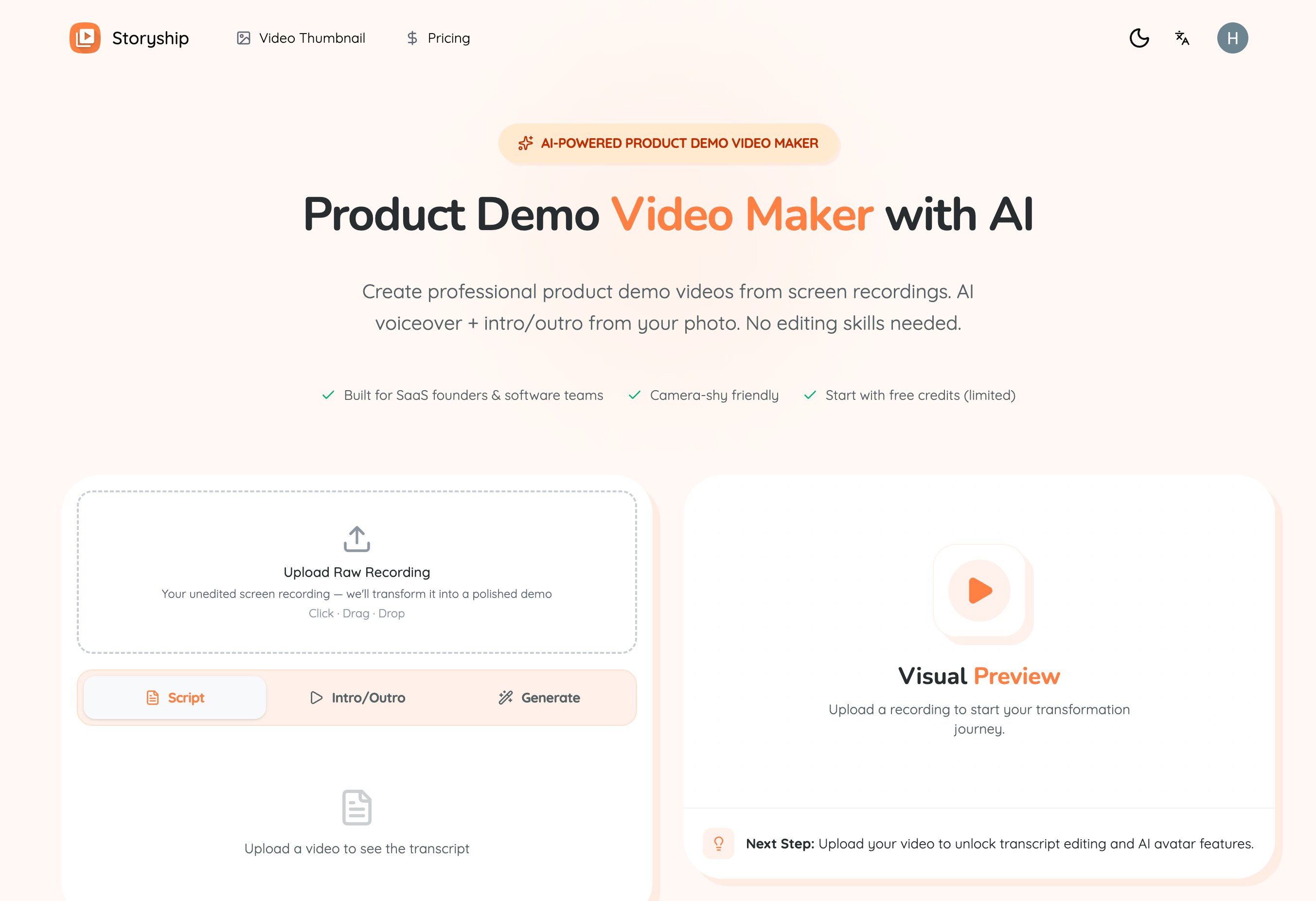
Storyship is a product demo video maker that records your software for you. Start from a public URL with the Cloud Agent, capture a signed-in tab with the Chrome extension, or upload an MP4, WebM or MOV recording, then review AI-drafted narration, captions and zooms before exporting an MP4. It is built for SaaS teams, product marketers, founders and support teams.
How it works
You pick one of three starting points: the Cloud Agent, the Chrome extension or an upload. The Cloud Agent opens an isolated cloud browser, plans the allowed actions from your prompt and records the result, while password, payment, one-time-code and credential fields stay out of scope. The extension records the tab you already use with exact actions, page evidence and source timing. All three paths continue into the same Project, Fine-tune and Export workflow.
Key capabilities
AI narration is drafted from what happens on screen, and every line stays editable, so regenerating one sentence keeps the surrounding voice cadence. Auto-Zoom follows recorded clicks for cursor emphasis, using exact ActionLog timing for extension recordings and AI-inferred actions for uploads. Captions are generated from the narration and stay in sync by construction, with minimal, bold or subtitle styling placed bottom or center.
Who it is for
Storyship targets SaaS teams, product marketers, founders and support teams. One recording can be re-rendered with different narration, captions and framing, so a single walkthrough becomes a launch clip, a tutorial and an onboarding video. Sales teams keep one master recording and fine-tune narration per audience, and help centers edit a narration line and export again when an answer changes.
Pricing and limits
Recording, uploading, the AI-drafted narration and your first rendered video are free, and every new account starts with 100 free credits. Credits cover AI editing: regenerating a line starts at 1 credit, a voice change on a one-minute demo is about 20, and an AI music track is 20. Packs cost $9.9 for 800 credits, $19.9 for 1,800 and $49.9 for 5,000, valid for 30, 60 and 180 days; subscriptions refresh each cycle at a lower per-credit price. Failed generations return their credits automatically.
Key features
Cloud Agent recording
Share a public or test URL and describe the flow; an isolated cloud browser plans and performs the allowed actions and records an editable draft.
Chrome extension capture
The extension records your signed-in tab with exact actions, page evidence and source timing, limited to the tab you choose.
AI narration and voiceover
The script is drafted from what happens on screen, every line stays editable, and a single sentence can be regenerated without breaking voice cadence.
Auto-zoom and captions
Zooms and cursor emphasis follow recorded clicks, and styled captions are generated from the narration and stay in sync with the final audio.
Brand kit and music
Title cards, logo, brand colors and a closing card are applied across the video, with AI-generated or uploaded music ducked under the voiceover.
MP4 export up to 4K
You get the exact MP4 you reviewed, with captions rendered in; 720p and 1080p are included and 4K export is available.
Use cases
SaaS product demos
Turn feature walkthroughs of your live UI into launch-ready demo videos for your site and socials.
Feature launches
Announce an update with a polished clip instead of a changelog paragraph, using a prompt and one review pass.
Software tutorials
Produce narrated, captioned how-to videos without recording a single take of audio.
Customer onboarding
Welcome new users with videos that walk through first steps and can be re-rendered when instructions change.
Sales walkthroughs
Keep one master recording and fine-tune the narration for each prospect audience before exporting.
Help center videos
Answer support questions once, then edit the narration line and export again when the answer changes.
Pricing & limits
From the official site · checked 11/11/2026Frequently asked questions about Storyship
- Can Storyship make the demo without me recording anything?
- Yes. You type a prompt in the Chrome extension and the AI agent operates your product in the selected tab and records it, counting down before capture and handing the recording into your project.
- Can I use a screen recording I already have?
- Yes. MP4, WebM and MOV uploads enter the same workflow of project, editable draft and fine-tune; because an upload has no browser ActionLog, Storyship infers the visible actions before building captions and camera moves.
- What is free and what costs credits?
- Recording, uploading, the AI-drafted narration and your first rendered video are free, and every new account gets 100 free credits. Credits are spent on AI editing such as regenerating narration lines, changing the voice and generating background music.
- What do I get at the end?
- The exact MP4 you reviewed and approved, with captions rendered into the video and your brand kit applied. 720p or 1080p export is included and 4K export is available.
- Who is Storyship built for?
- It is built for SaaS teams, product marketers, founders and support teams who need to show software working without editing video by hand.
Related tools

AI Rap Video Generator
Turn one photo into a 4, 6, or 8-second rap video with generated vocals, a beat, and lip sync, ready for TikTok, Reels, and Shorts.

Magic Hour
Create videos, images, and audio with 100+ AI tools in one browser-based studio.

Molyin
Generate cinematic videos, images, and music from text prompts in one studio.

Photo Animate
Turn still portraits into lifelike videos with natural motion and easy controls.

Seedance Now
Multi-model AI video & image generator in your browser

Vidsembly
Turn PowerPoint, PDFs, and documents into narrated videos with AI voiceover or your voice clone.

VoooAI
Turn one sentence into a multi-step workflow that outputs images, video, music and digital-human narration.

PavoAI
One idea, every model, one finished video