
AI timeline maker
timeline-maker.orgTimeline maker with document import
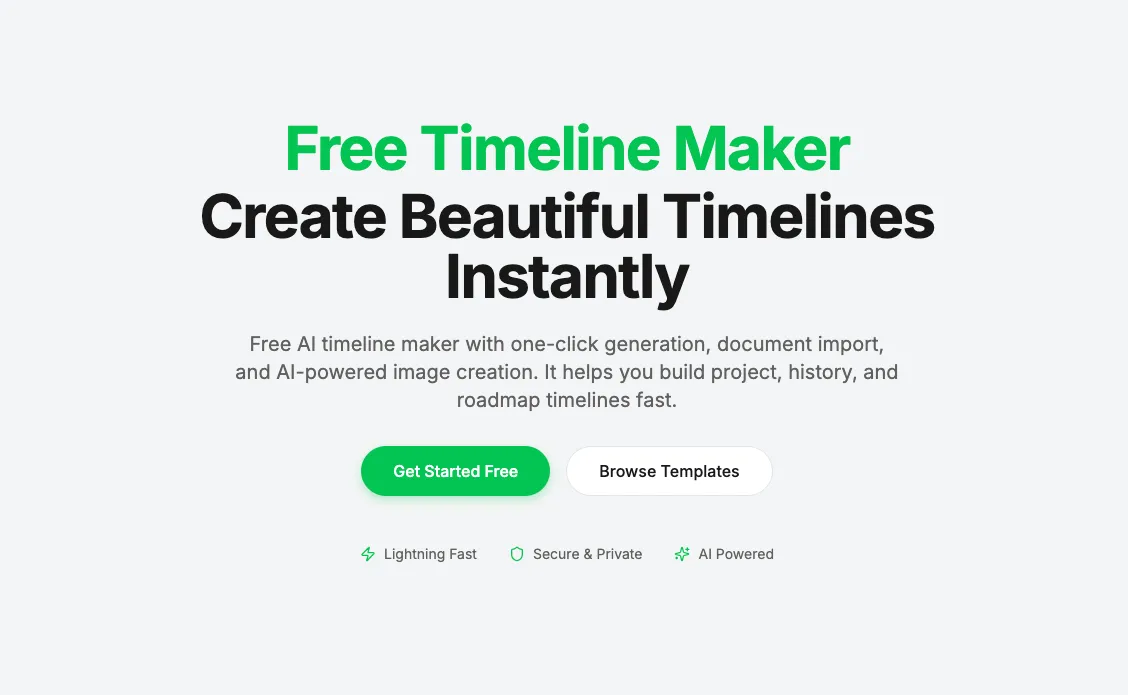
Turn prompts or documents into visual timelines with real-time collaboration and multi-format export.
Overview
AI Timeline Maker is a web-based tool that turns a one-sentence prompt or an uploaded document into a visual timeline. It extracts dates and events from PDF, Word, or plain text, and offers real-time collaboration, multi-format export, and AI image generation. It is designed for project managers, educators, content creators, and anyone needing to present chronological information clearly. This is an independent third-party service and is not operated by the company behind the model it is built around.
How it works
Start by describing your timeline in one sentence, and the AI generates a visual timeline instantly. Alternatively, upload a PDF, Word, or plain text document; the AI extracts dates and events and structures them automatically. You can then review, tweak, and export the timeline in the editor.
Key capabilities
The tool includes real-time collaboration with roles and permissions, allowing teammates to edit, comment, and view. It supports multiple display modes, flexible layouts (horizontal, vertical, or grid), theme customization with brand colors, and responsive design for desktop, tablet, and phone. The built-in AI assistant helps organize content, generate summaries, and polish wording.
Who it is for
AI Timeline Maker is for project managers tracking milestones, educators creating historical timelines, content creators documenting life stories, and teams building product roadmaps. It also suits researchers organizing notes and anyone needing to present chronological data in a clear, shareable format.
Pricing and limits
The free plan allows up to 5 timelines with 50 events each, including AI generation, document import, and collaboration. Paid plans start at $9.90 per week, $29.90 per month, or $299.90 per year, offering unlimited timelines and events, plus credits for AI image generation (20, 100, or 1,500 credits respectively). Payments are processed securely via Stripe.
Key features
AI timeline generation
Generate timelines from a one-sentence prompt or by importing PDF, Word, or plain text documents.
Real-time collaboration
Invite others to edit, comment, and complete timelines in real time with roles and permissions.
Multi-format export
Export timelines as PNG, PDF, PowerPoint, Word, or Excel for presentations, reports, or data analysis.
AI image generation
Built-in FLUX.2 Klein 4B generates high-quality visuals from prompts in one click.
Flexible layouts and themes
Switch between horizontal, vertical, or grid layouts with multiple theme palettes and custom brand colors.
Rich template library
Ready-to-use templates for project plans, life logs, study notes, and more, plus a public template library.
Use cases
Project management
Plan milestones and track progress with visual timelines.
Learning path
Plan learning paths and log growth over time.
Life story
Capture moments and memories for personal or family history.
Company history
Show company journey and impact with a clear timeline.
Product roadmap
Track releases and evolution of products.
Historical timeline
Map historical events in a clear, visual format for education.
Pricing & limits
From the official site · checked 10/10/2026Frequently asked questions about AI timeline maker
- Is the AI timeline maker free?
- Yes, there is a free plan that allows creating up to 5 timelines with up to 50 events each, including AI timeline generation, document import, and collaboration features.
- How do I create my first timeline?
- You can describe your timeline in one sentence, and the AI turns it into a timeline instantly. You can also upload a PDF, Word, or plain text document, and the AI extracts dates and events automatically.
- What types of timelines are supported?
- The tool supports various timeline types including project plans, learning paths, life stories, company histories, product roadmaps, and historical timelines. Templates are available for categories like history, music, IT, science, art, and more.
- What can the AI assistant do?
- The AI assistant helps organize content, generate summaries, and polish wording. It also powers AI timeline generation from prompts and document import.
- Is my data secure?
- Payments are processed by Stripe, and your card details never touch their servers. You can manage or cancel your subscription anytime via the billing portal.
Related tools

Applytrackr
Track every job application, get tailored resumes and cover letters, and auto-apply with ease.

superscribe.io
Turn every business call into notes, tasks, and follow-ups on your own number.
AI ResumeGuru
Build ATS-optimized resumes with AI chat, scoring, and job tailoring.

ScanPilot
Convert PDFs, scans, photos, and handwritten documents into structured Excel, CSV, or JSON files.

PathwiseAI
AI career platform that auto-finds job postings and generates tailored cover letters, resumes, negot…

Scrieb
Record, transcribe, and summarize meetings on your Mac or PC, fully offline.

XIMA DIGITAL
Translate, chat, and summarize PDFs with cited answers and multi-file support.

Otter.ai
Transcribe meetings, get summaries, and automate follow-ups with Otter.