
Watermark Remover
watermarkremover.aiai.comAI video watermark remover
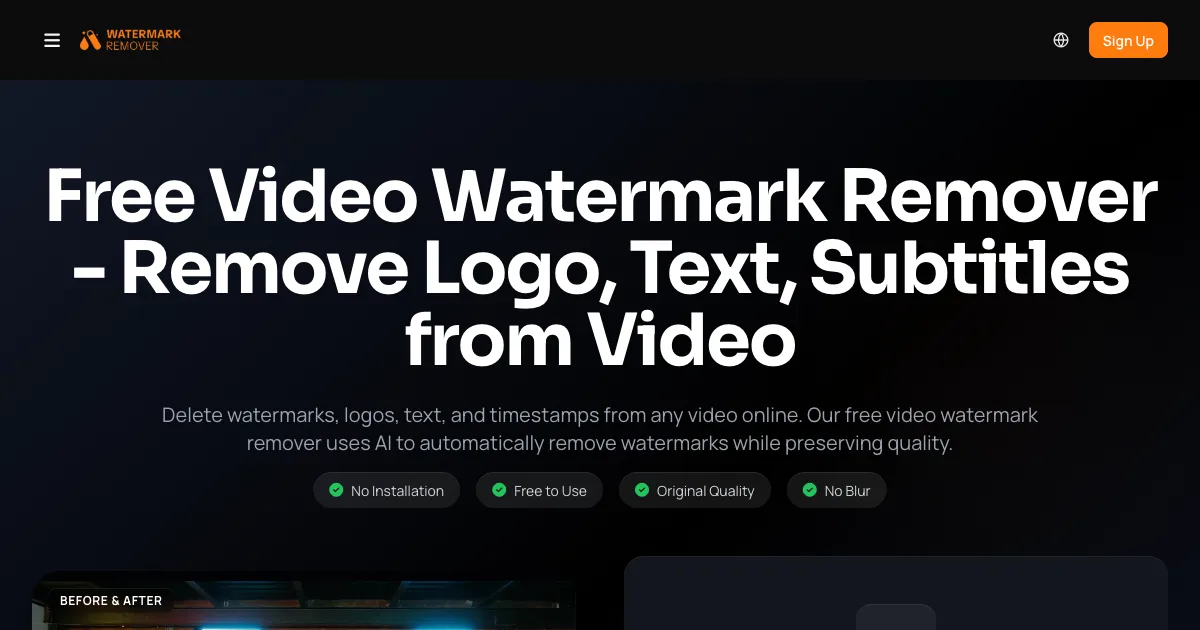
Remove watermarks, logos, text, and timestamps from videos online with AI, preserving original quality.

Overview
AIAI Video Watermark Remover is an online tool that uses AI inpainting to remove watermarks, logos, text, and timestamps from videos. Users upload videos in formats like MP4, MOV, M4V, MKV, and WEBM, and the AI reconstructs the background for a clean, natural result. It is designed for content creators, e-commerce sellers, and educators who need to repurpose or clean video content without quality loss.
How it works
Upload up to 10 videos at once, each between 1 second and 10 minutes long and up to 500MB. The AI automatically detects watermarks, logos, text, and timestamps, or you can manually select regions. It analyzes surrounding pixels and nearby frames to reconstruct the background, then you download the clean video in original quality. Free users get a 3-second preview before upgrading.
Key capabilities
The tool handles dynamic backgrounds, complex textures like hair or gradients, and protects faces and subtitles from distortion. It removes various elements including brand logos, text overlays, stickers, emojis, date stamps, and unwanted objects. It supports 4K resolution and processes videos quickly using GPU clusters. Videos are processed securely and automatically deleted after processing.
Who it is for
Content creators use it to remove TikTok or YouTube watermarks for cross-platform reposting. E-commerce sellers clean supplier product videos for ads and listings. Educators remove text from educational videos for learning materials. It also works for cleaning videos from AI generators like Kling, Sora 2, and Runway, and for removing stamps from video editor exports like CapCut or Filmora.
Pricing and limits
New users receive 20 free credits, enough to remove watermarks from two 4-second videos. Paid plans include Pro at $7.99 for the first month then $19.99/month with 300 credits, and Ultimate at $39.99/month with 800 credits. Pay-as-you-go packs are available: $9.99 for 400 credits, $37.99 for 3,000 credits, and $89.99 for 8,000 credits. Free users can only access a 3-second preview of the processed video.
Key features
AI Inpainting
Reconstructs background pixels instead of blurring, for clean removal of watermarks, logos, text, and timestamps.
Batch Processing
Upload up to 10 videos at once, supporting MP4, MOV, M4V, MKV, and WEBM formats.
4K Quality Preservation
Maintains original video quality up to 4K, with no blur or distortion after removal.
Cloud-Based
No installation required; processes videos securely in the cloud with automatic file deletion.
Multi-Platform Support
Works with videos from TikTok, YouTube, Instagram, CapCut, Filmora, and AI generators like Kling and Sora.
Use cases
Content Creators
Remove watermarks from clips to repurpose content across platforms like Instagram Reels or Shorts.
E-commerce Sellers
Clean supplier product videos for ads and listings without visible branding.
Educators
Remove text and watermarks from educational videos for distraction-free learning materials.
Pricing & limits
Verified 11/18/2026Frequently asked questions about Watermark Remover
- What is AIAI Video Watermark Remover?
- It is an online tool that uses AI to remove watermarks, logos, text, and timestamps from videos, reconstructing the background for a clean result.
- Is it free to use?
- Yes, you get 20 free credits upon registration, enough to remove watermarks from two 4-second videos. Paid plans and credit packs are available for more usage.
- What video formats are supported?
- It supports MP4, MOV, M4V, MKV, and WEBM formats, with videos from 1 second to 10 minutes long and up to 500MB each.
- Does it require installation?
- No, it works directly in your browser without any software installation.
- Can it remove watermarks from AI-generated videos?
- Yes, it is optimized to remove watermarks from videos generated by AI platforms like Kling, Sora 2, and Runway.
Related tools

AI Rap Video Generator
Turn one photo into a 4, 6, or 8-second rap video with generated vocals, a beat, and lip sync, ready for TikTok, Reels, and Shorts.

Magic Hour
Create videos, images, and audio with 100+ AI tools in one browser-based studio.

Molyin
Generate cinematic videos, images, and music from text prompts in one studio.

Photo Animate
Turn still portraits into lifelike videos with natural motion and easy controls.

PictureToVideo
Turn any photo into a short AI video

SeeDance 3
Create free AI videos from text or images with 4K output, multi-shot narratives, and native audio sync.

PavoAI
One idea, every model, one finished video

Hit the Road Pets
Turn one photo of your cat, dog, or yourself into a 15-second Hit the Road Dude meme video with sound.