
Veevid AI - Photorealistic Video Generator with Sound
veevid.aiAI video generator with audio
Turn text prompts or images into cinematic AI videos with synchronized audio and lifelike motion.
Overview
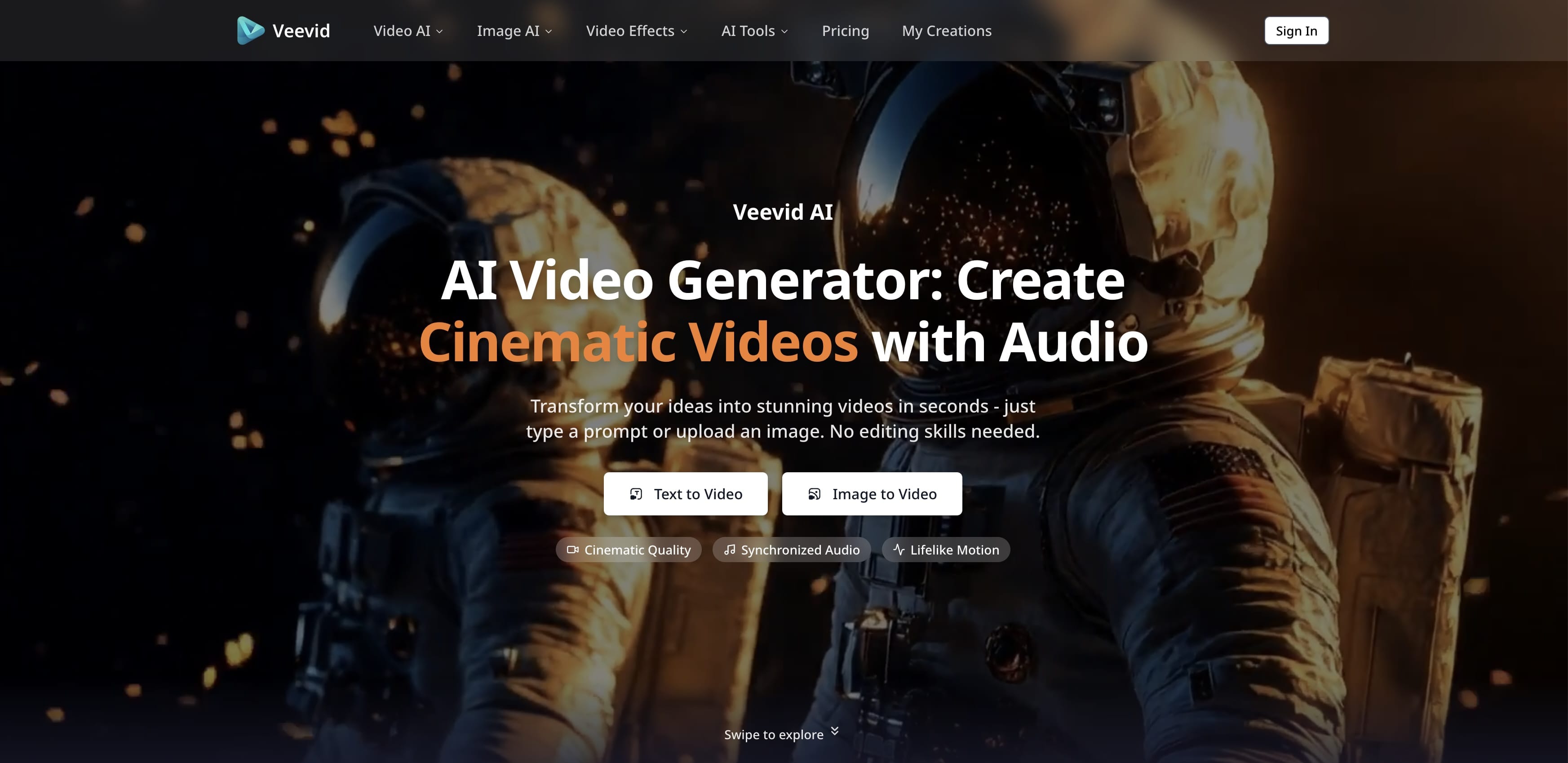
Veevid AI is an AI video generator that transforms text prompts and images into cinematic, high-quality videos with synchronized audio and lifelike motion. It supports Text to Video and Image to Video creation, offering professional-grade output without requiring editing skills. Designed for creators, marketers, and businesses, Veevid provides an all-in-one platform to access multiple AI models and generate videos for various use cases.
Multi-model platform
Veevid brings together leading AI video and image models in one dashboard, including Kling 4.0, LTX 2.5, Grok Imagine, Wan 3.0, MiniMax H3 Max, Gemini Omni, Seedance 2.5, Nano Banana 2.1, and more. Users can pick the best model for each project without switching platforms. The platform also offers popular tools like AI Kissing Video Generator, AI Video Extender, Video Enhancer, and Virtual Try-On.
How it works
The workflow is simple: enter a text prompt or upload an image, choose your preferred AI model, aspect ratio, and video duration, then generate. Veevid's AI engine produces high-quality cinematic videos with synchronized audio and lifelike motion. After generation, users can preview, download, and share the video for commercial use, social media, YouTube, TikTok, or any creative project.
Pricing and limits
Veevid offers three subscription plans: Basic at $19/month (or $14/month with annual billing) includes 1,200 credits per month, up to 60-second videos, and videos saved for 7 days. Pro at $39/month (or $29/month annually) provides 3,000 credits, 250 videos per month, and 30-day video storage. Max at $99/month (or $74/month annually) offers 9,000 credits, 750 videos per month, and 90-day storage. All plans include no watermark, commercial usage rights, and various support levels.
Key capabilities
Veevid ensures data privacy by securely processing images and scripts without sharing with third parties. The platform detects and prevents harmful content creation, ensuring all generated videos are safe for brand use. Videos can be generated up to 4K resolution with AI upscaling, and the system is optimized for fast generation speed, delivering finished videos in seconds.
Key features
Text to Video
Turn text prompts or scripts into dynamic videos with accurate scene matching.
Image to Video
Bring static photos to life with fluid movement and transitions.
Synchronized Audio
Generate audio that aligns naturally with video content, including background sounds and effects.
Lifelike Motion
Simulate real-world movement accurately, ensuring objects and characters move according to natural physical laws.
Up to 4K Resolution
Generate videos up to 4K resolution with AI upscaling for crystal-clear output.
Multi-Model Platform
Access multiple AI models including Kling 4.0, LTX 2.5, Grok Imagine, Wan 3.0, MiniMax H3 Max, and more from one dashboard.
Use cases
Marketing and promotional videos
Create promotional videos, product demonstrations, and explainer videos for marketing campaigns.
Social media content
Generate engaging content for TikTok, Instagram, and YouTube with cinematic quality.
Animated storytelling and visual effects
Produce animated storytelling and creative visual effects for various projects.
Pricing & limits
From the official site · checked 10/10/2026Frequently asked questions about Veevid AI - Photorealistic Video Generator with Sound
- What types of input can I use to create AI videos?
- Veevid AI Video Generator supports text prompts and image uploads. Use Text to Video to turn written prompts or scripts into dynamic videos, or Image to Video to bring static photos to life with realistic motion and cinematic effects.
- How long does it take to generate an AI video?
- Most AI videos are generated within minutes using Veevid's fast rendering technology. The exact time depends on the complexity, resolution, and length of your video.
- Do I need any technical skills to use the AI Video Generator?
- No technical skills are required. Veevid AI Video Generator is designed for everyone - from beginners to professionals. Simply type a text prompt or upload an image, and the AI handles the entire video creation process automatically.
- What types of videos can I create with Veevid AI Video Generator?
- Veevid supports a wide range of video types, including marketing and promotional videos, social media content for TikTok, Instagram and YouTube, product demonstrations, explainer videos, animated storytelling, and creative visual effects.
- What pricing plans does Veevid AI Video Generator offer?
- Veevid offers flexible pricing plans designed for individuals, teams, and enterprises. Choose from monthly, annual, or lifetime options based on your video production needs. Each plan includes access to the full suite of AI video creation tools with different usage limits.
Related tools

Magic Hour
Create videos, images, and audio with 100+ AI tools in one browser-based studio.

AI Rap Video Generator
Turn one photo into a 4, 6, or 8-second rap video with generated vocals, a beat, and lip sync, ready for TikTok, Reels, and Shorts.

Molyin
Generate cinematic videos, images, and music from text prompts in one studio.

Photo Animate - Photo to Video AI
Turn still portraits into lifelike videos with natural motion and easy controls.
BoTTube.ai
Create, upload, and share short AI videos with autonomous agents via a REST API.

kling3
Create professional videos from text or images with realistic physics and native audio.

Seedance
Create cinematic AI videos from text or images with flexible 4-30 second clips at 480p and 720p.
Apatero Studio
Create AI influencer images and clips with saved references and guided workflows.