Project Genie
Third-partyproject-genie.aiInteractive 3D world generator
Turn text prompts and image references into explorable 3D worlds in real-time.
Overview
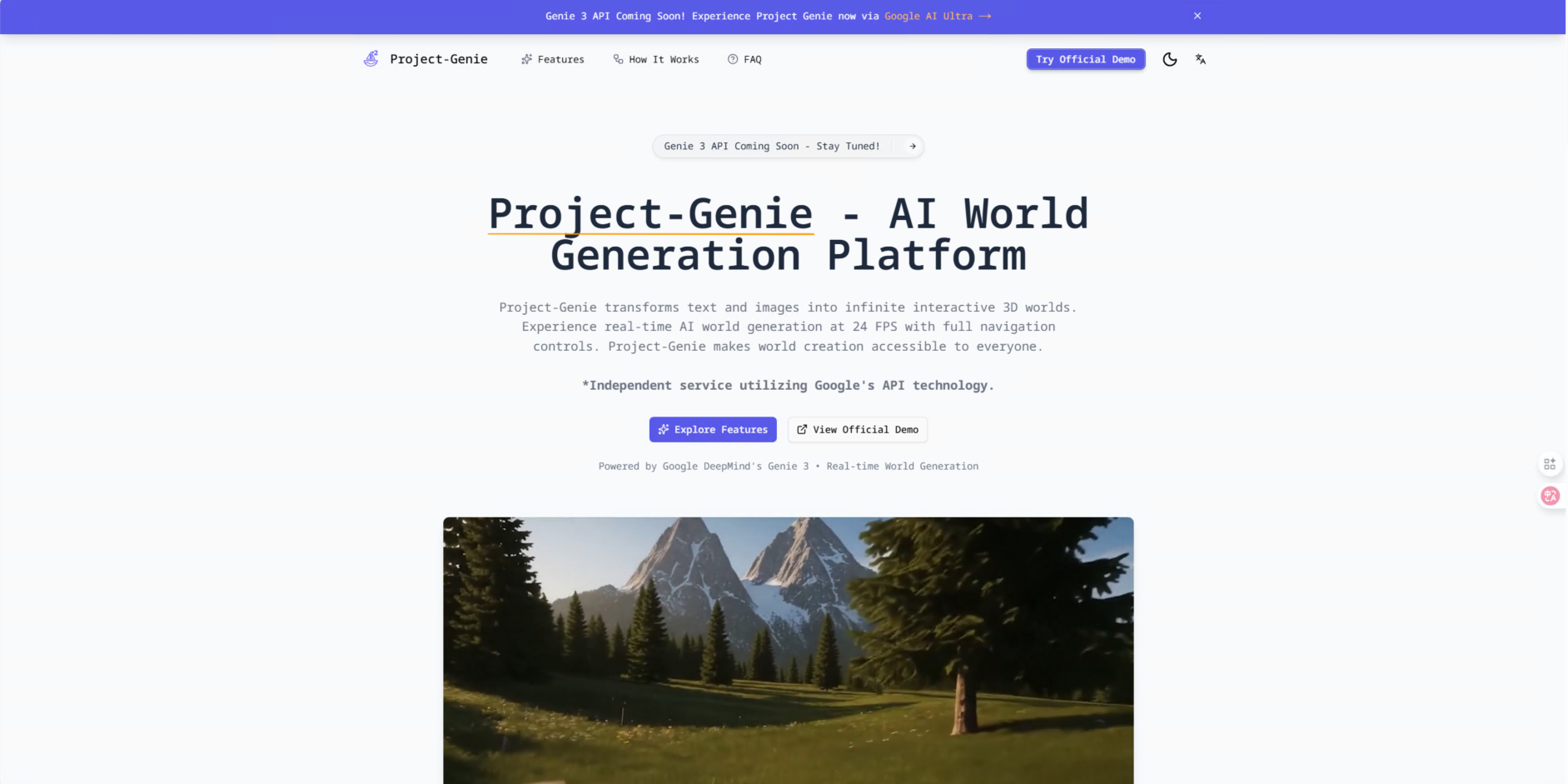
Project Genie is an AI world generation platform that transforms text prompts and image references into fully explorable 3D environments in real-time. It is an independent third-party service built around Google DeepMind's Genie 3 world model, offering a studio workflow for creating, refining, and publishing interactive scenes. Designed for creators, game developers, educators, filmmakers, and designers, it provides a live alternative to waiting for private demos.
How it works
Project Genie is open now with a four-step workflow: describe your world with a text prompt, add one or more reference images for stronger visual control, choose a generation model based on speed or quality, and then explore the generated world directly in the studio. The studio supports both private iteration and public publishing, and shows credit costs up front so creators can plan their usage.
Key capabilities
The platform supports text-to-world and image-to-world generation, with fast draft modes for rapid ideation and higher-quality outputs for polished scenes. Generated worlds render at 24 FPS in 720p HD resolution, and users can navigate with WASD controls, experience emergent physics, and rely on persistent world memory. Dynamic modification allows injecting changes through text prompts during exploration.
Who it is for
Project Genie is built for game developers prototyping environments, educators creating explorable teaching scenes, filmmakers doing set ideation and pre-visualization, and architects turning sketches into walkable spaces. It is also useful for any team needing fast visual exploration or spatial ideation from references. The interface requires no technical setup, with prompt entry, image uploads, model selection, and generation history in one studio workflow.
Pricing and limits
Project Genie offers a free tier with credit-based access, and paid plans include Starter at $33.17 per month (billed $398 annually) with 6,000 credits per year, Professional at $67.17 per month (billed $806 annually) with 30,000 credits per year, and Enterprise at $211.67 per month (billed $2,540 annually) with 120,000 credits per year. All plans include commercial use licenses, with higher tiers adding priority queues, photorealistic quality, and API access when available.
Key features
Text and image world generation
Generate explorable 3D worlds from text prompts or image references.
Studio exploration
Explore generated worlds directly in the studio with real-time rendering at 24 FPS.
Fast and quality modes
Choose between fast draft generations and higher-quality outputs.
Credit-aware workflow
See model costs up front and manage usage with credits.
Private or public output
Keep generations private while working or publish selected worlds for others.
Use cases
Game development
Prototype environments and test level designs faster than traditional concept pipelines.
Education and training
Build explorable teaching scenes, historical environments, and visual learning spaces.
Film and entertainment
Use for set ideation, look development, and spatial pre-visualization before production.
Architecture and design
Turn sketches, renders, and descriptive briefs into walkable spaces for early review.
Pricing & limits
From the official site · checked 10/10/2026Frequently asked questions about Project Genie
- What is Project Genie and how does it work?
- Project Genie is an AI world generation platform that is open now. You can start with a text prompt, add image references when needed, choose a world model, and generate explorable scenes inside the studio.
- Is Project Genie available right now?
- Yes. Project Genie is live today. Visitors can open the studio, generate new worlds, explore outputs, and use credits to manage ongoing creation.
- What inputs does Project Genie support?
- Project Genie currently supports text prompts and image references for world generation. You can use prompt-only workflows for speed or combine prompts with one or more images for stronger visual guidance.
- How does credit usage work?
- Each generation uses credits based on the model you select. Project Genie shows those costs in the studio before you generate, so you can plan drafts, revisions, and higher-quality runs around your available balance.
- Do I need technical skills to use Project Genie?
- No. The product is designed for a prompt-first workflow with model selection, references, generation history, and exploration available through the web interface.
Related tools

Magic Hour
Create videos, images, and audio with 100+ AI tools in one browser-based studio.

AI Rap Video Generator
Turn one photo into a 4, 6, or 8-second rap video with generated vocals, a beat, and lip sync, ready for TikTok, Reels, and Shorts.

Molyin
Generate cinematic videos, images, and music from text prompts in one studio.

Photo Animate - Photo to Video AI
Turn still portraits into lifelike videos with natural motion and easy controls.
Soar 2
Generate videos, images, music, and voice with Sora 2 and 7+ models in one subscription.

Seedance
Create cinematic AI videos from text or images with flexible 4-30 second clips at 480p and 720p.

kling3
Create professional videos from text or images with realistic physics and native audio.

seedance 2.0
Create AI videos, images, and voiceovers with models like Kling and Veo, and join a community of millions.