
Pavleur
pavleur.comDesktop meeting copilot with profile context
Bring notes, screenshots, and live conversation into one AI workspace for every meeting.

Overview
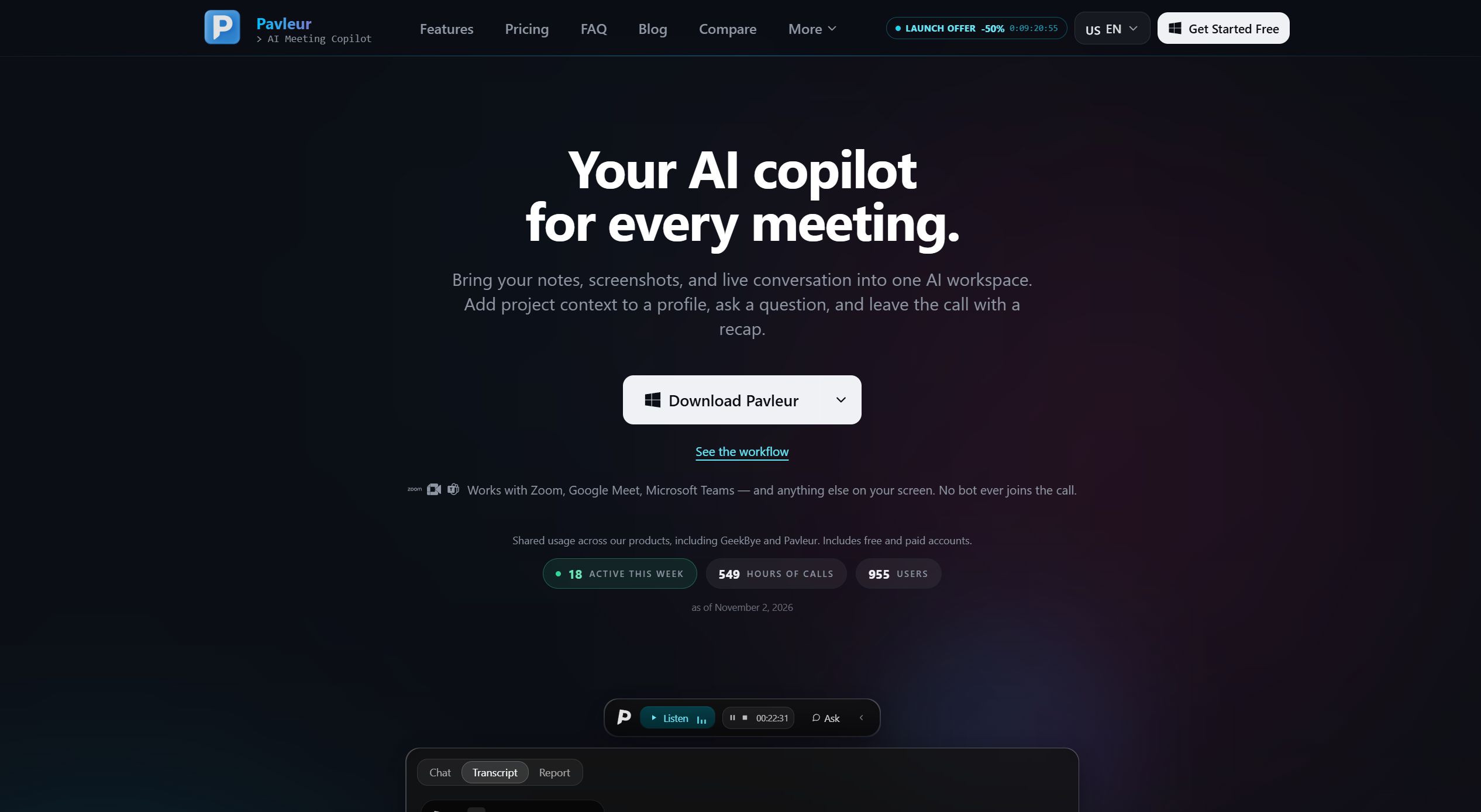
Pavleur is an AI meeting copilot that brings notes, screenshots, and live conversation into one workspace. It provides live transcription, real-time AI suggestions, and meeting recaps, using selected profile documents for context. Designed for professionals on macOS and Windows, it works with Zoom, Google Meet, Microsoft Teams, and other apps via desktop audio capture, with no bot joining the call.
How it works
Install Pavleur on your Mac or Windows device. During calls, it captures desktop audio for live transcription and offers AI suggestions. You can add project context to a profile, ask questions about selected screenshots, and leave with a recap. Transcripts are saved locally on your computer.
Key capabilities
Features include manually selected profile notes and documents, AI questions about screenshots, real-time AI suggestions, live meeting transcription, AI recaps and summaries, and saved transcript history. It works with Zoom, Teams, Google Meet, and Webex. Content protection helps keep the overlay out of screen sharing.
Who it is for
Pavleur is for professionals who attend many meetings and need AI assistance throughout. It is distinct from sibling product GeekBye, which is tuned for job interviews. Pavleur is for the other calls in your week, providing ongoing support.
Pricing and limits
Shared usage across products includes free and paid accounts. Monthly plans cancel immediately and run to the end of the period; annual plans cancel at renewal with no pro-rated refunds. Screen video recording is restricted to admin accounts and not a standard Free or Pro feature. Language options depend on your plan and transcription service.
Key features
Live transcription
Transcribes meetings in real time using desktop audio capture.
AI suggestions
Provides real-time AI suggestions during meetings.
Profile context
Manually attach notes and documents to profiles for AI assistance.
Screenshot questions
Ask AI questions about selected screenshots.
Meeting recaps
Generates AI recaps and summaries after calls.
Saved transcript history
Stores transcripts locally for later reference.
Use cases
Meeting productivity
Use for everyday meetings to get recaps and AI help.
Project context
Attach project documents to profiles for informed AI answers.
Interview preparation
Use sibling product GeekBye for interview-specific help.
Pricing & limits
Verified 11/13/2026Frequently asked questions about Pavleur
- What does Pavleur do?
- It brings notes, screenshots, and live conversation into one AI workspace, providing transcription, AI suggestions, and recaps.
- Which platforms does it support?
- It has installers for Apple Silicon Macs running macOS 14 or later, and Windows x64 or ARM64.
- Does it work with Zoom, Teams, and Meet?
- Yes, it works alongside calls in Zoom, Teams, Meet, and other apps using desktop audio capture; no bot joins the meeting.
- Is there a free plan?
- Yes, shared usage across products includes free and paid accounts.
- Can I cancel anytime?
- Yes, monthly cancels immediately and runs to the end of the period; annual cancels at renewal with no pro-rated refunds.
Related tools

Keebye
Hold a key, speak, and your words land in any app, including terminals, with on-device dictation for Mac and Windows.

GeekBye
Get real-time AI answers for coding, behavioral, and technical interview questions during live calls.

Dictationer
Turn videos, audio, and social links into transcripts, subtitles, summaries, and publish-ready content.
Transcript Lol
Transcribe audio and video files with AI, get accurate transcripts in seconds, and export in multiple formats.

OLVA.ai
Bot-free real-time AI meeting assistant with live insights and coaching

subtitle.im
YouTube captions on or off, with local duplicate detection.

Otter.ai
Transcribe meetings, get summaries, and automate follow-ups with Otter.

Motion
Motion uses AI to automatically prioritize tasks, schedule your day, and manage projects.