
Local AI Subtitles Generator
localai.toolsLocal Whisper subtitle generator
Generate private SRT, VTT, and ASS subtitles locally with OpenAI Whisper in 90+ languages.
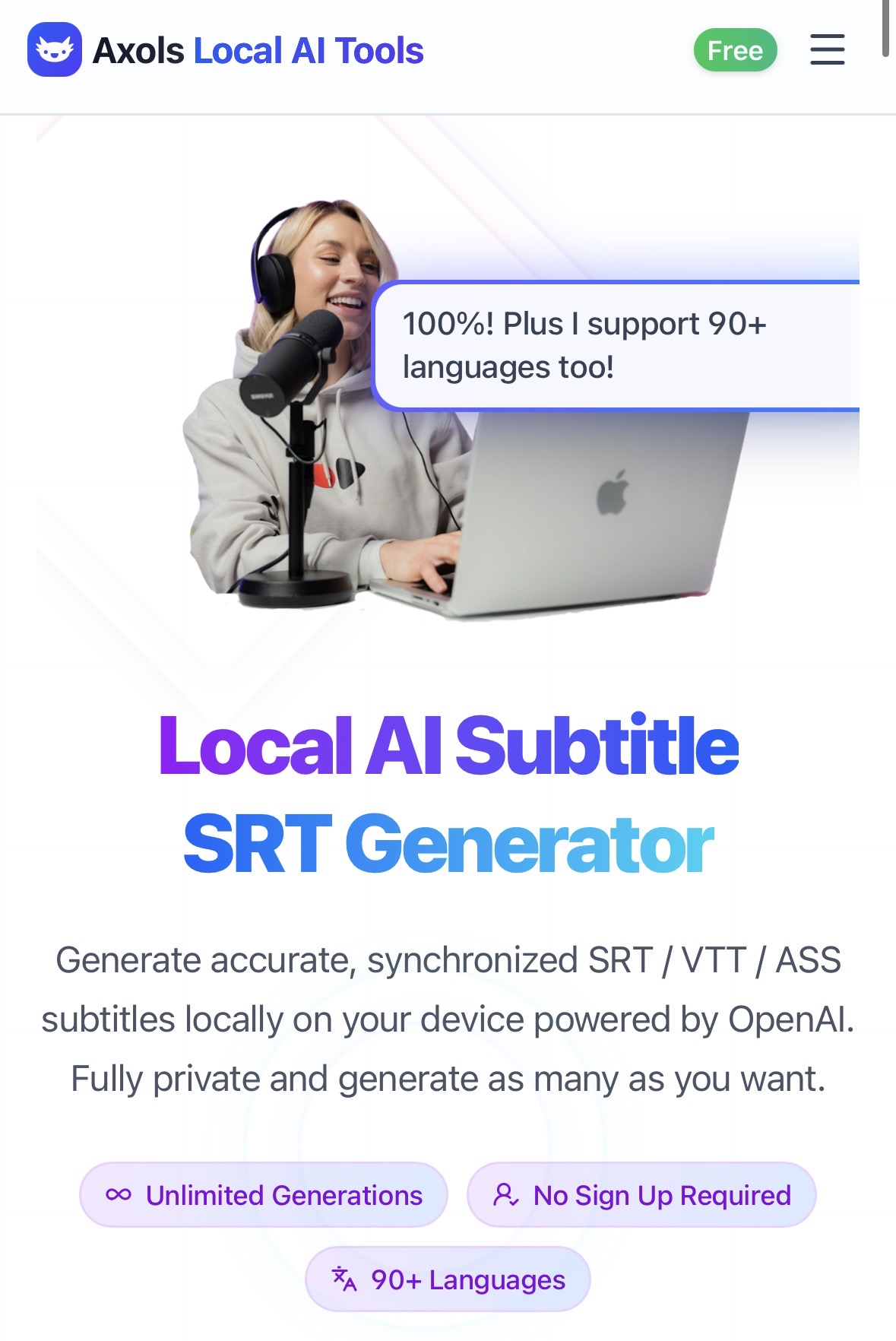
Overview
Local AI SRT Subtitle Generator is a browser-based tool that creates accurate, synchronized subtitles for videos and audio using OpenAI Whisper models. It processes files entirely on your device, supporting 90+ languages and exporting to SRT, VTT, ASS, or TXT formats. Designed for content creators, educators, podcasters, and YouTubers who need private, secure subtitle generation without uploading their media. This is an independent third-party service and is not operated by the company behind the model it is built around.
How it works
The tool runs OpenAI Whisper models directly in your browser using WebAssembly, so no files are uploaded to servers. You start by selecting media files in mp4, webm, mov, mp3, or wav format, then download the AI model once to your browser. After running the model locally, you can edit the generated subtitles and export them in SRT, VTT, ASS, or TXT formats.
Pricing and limits
The free Basic plan includes 5 generations per month, access to basic local AI models, and essential editing features. Paid plans unlock unlimited subtitle generation, premium AI models, advanced styling and animation, subtitle burning, translation into 60+ languages, and batch processing. Pricing options include a $6 weekly plan, $12 monthly plan, $69 annual plan, and a $129 lifetime access option.
Who it is for
The tool is built for content creators, YouTubers, educators, podcasters, and video marketers who need subtitles for tutorials, lectures, podcasts, and screen recordings. It is also suitable for developers and businesses that value privacy and want to avoid cloud-based transcription services. The local processing ensures that sensitive content never leaves the user's device.
Key capabilities
Beyond basic subtitle generation, the tool includes an advanced subtitle editor for creating styled and animated subtitles with ASS support. It also offers smart translation in 60+ languages with local or cloud runtime options, and a subtitle burning feature to embed styled subtitles directly onto videos. These features are available in the paid plans, making it a comprehensive solution for professional subtitle workflows.
Key features
Local AI processing
Runs OpenAI Whisper models directly in the browser via WebAssembly, ensuring no data upload and complete privacy.
90+ language support
Supports 90+ languages for subtitle generation and 60+ languages for translation.
Multiple export formats
Export subtitles in SRT, VTT, ASS, or plain text (TXT) formats.
Advanced editing tools
Includes an advanced subtitle editor for styling and animating subtitles, plus a subtitle burning feature.
Flexible pricing plans
Free users get 5 generations per month; paid plans offer unlimited generations and premium AI models.
Use cases
YouTube content subtitling
Create subtitles for YouTube videos, tutorials, and vlogs without uploading content to the cloud.
Podcast transcription
Transcribe and subtitle podcasts or interviews for accessibility and better engagement.
Educational content
Add subtitles to online courses and lectures to help students follow along more easily.
Screen recording subtitles
Generate subtitles for screen recordings and product demos for professional presentations.
Pricing & limits
From the official site · checked 10/10/2026Frequently asked questions about Local AI Subtitles Generator
- What is the Local AI SRT Subtitle Generator?
- It is a browser-based tool that generates SRT, VTT, ASS, and TXT subtitles locally on your device using OpenAI Whisper models, without uploading your files.
- Who is this tool for?
- It is for content creators, YouTubers, educators, podcasters, and anyone who needs subtitles for videos, tutorials, lectures, or podcasts.
- Is the tool free to use?
- Yes, there is a free Basic plan that includes 5 free generations per month. Paid plans start at $6 per week for the Weekly Plan.
- Which file formats are supported?
- It supports mp4, webm, mov, mp3, and wav files for input, and exports subtitles in SRT, VTT, ASS, and TXT formats.
- Is my data private?
- All processing happens locally in your browser. Your audio and video files are never uploaded to servers or stored by the service.
Related tools

aimusicmaker
Turn text prompts or lyrics into complete, royalty-free songs in seconds with no music experience.

SAM Audio
Separate vocals, instruments, and noise from audio using text prompts or visual cues.

AI Cover Song
Upload any song, choose a voice, and generate a new AI cover in minutes.

SpotScribe
Turn any Spotify podcast into searchable text with AI summaries and chat.

Lyria 3 Pro
Generate full-length songs with vocals, lyrics, and instrumentals from text or image prompts.

Sipsip AI
Turn YouTube videos, podcasts, and audio files into transcripts, summaries, and daily briefs.

Video to Text
Turn video and audio into searchable text with speaker labels and timestamps in minutes.

MelodySeek
Paste a social media link, upload a file, or record a song to get the track name in seconds.