
jpg to excel
jpg-to-excel.orgImage to Excel converter
Turn images of tables into editable Excel and CSV spreadsheets with AI accuracy.
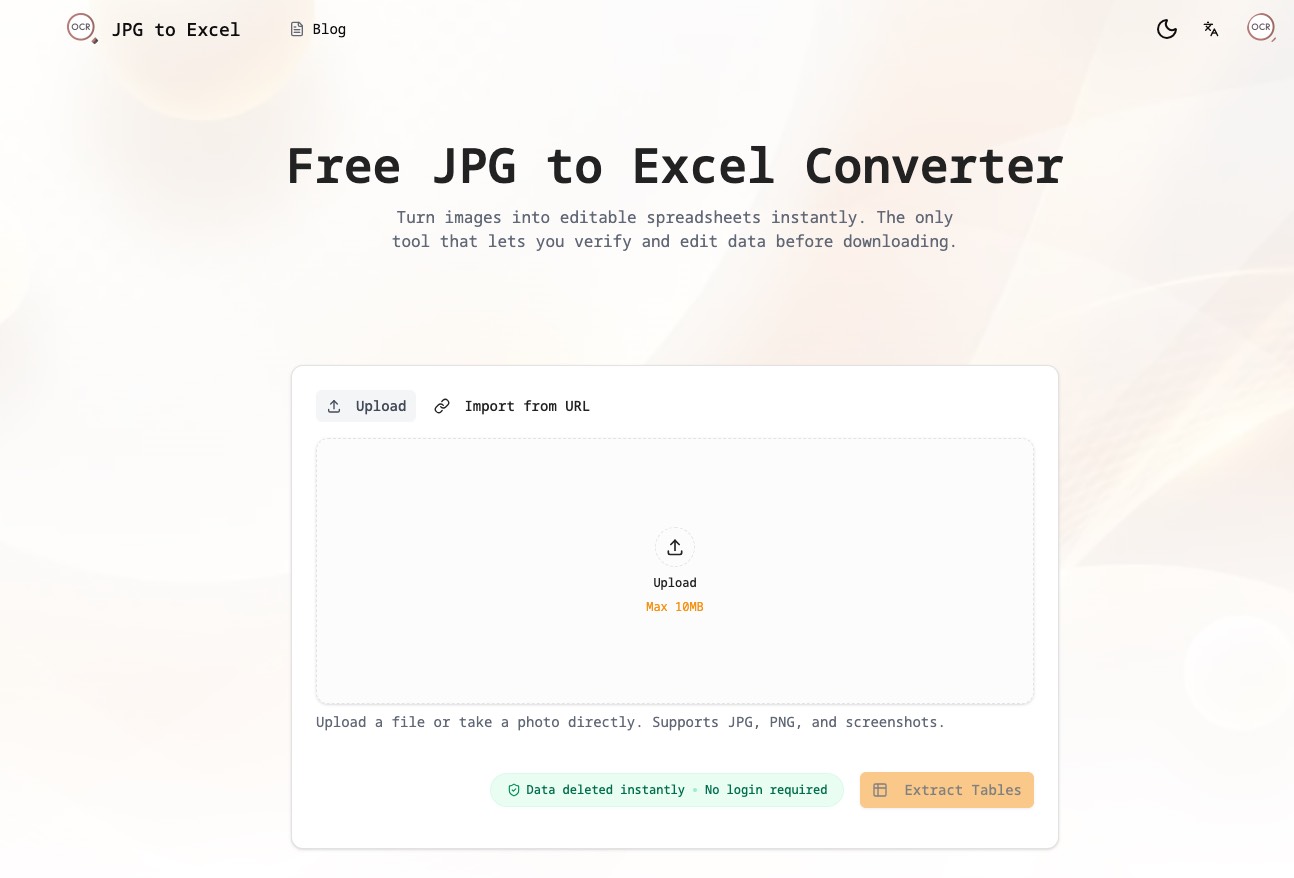
Overview
JPG to Excel Converter is a free online tool that turns images of tables into editable Excel or CSV spreadsheets using AI-powered OCR. Users upload or photograph a document, the AI extracts the table structure, and a split-screen editor lets them verify and correct data before exporting. It is designed for accountants, students, and data entry specialists who need accurate digitization of financial documents, lab reports, and handwritten notes.
How it works
The tool supports JPG, JPEG, PNG, HEIC, and screenshots, with uploads up to 10MB. Users can drag and drop files, paste from clipboard, or take a photo with a mobile camera. After uploading, clicking 'Extract Tables' launches the AI, which analyzes document structure and identifies headers, rows, and data types. The split-screen editor allows side-by-side comparison of the original image with extracted data, enabling instant corrections before export.
Key capabilities
The AI is powered by Convolutional Neural Networks and Transformer models trained on millions of financial documents, achieving over 99% character recognition accuracy. It handles merged cells, complex grids, and multilingual tables in Chinese, Japanese, Korean, Arabic, and European languages with full Unicode support. The tool also recognizes currency symbols and negative values, and can read legible handwritten tables from whiteboard photos.
Who it is for
Accountants and financial analysts can digitize bank statements, invoices, and receipts for forecasting. Administrative professionals can turn attendee lists and inventory logs into searchable databases. Students and academics can extract data tables from textbooks for analysis in Excel, SPSS, or Python. Data entry specialists can automate bulk digitization and focus on verification, boosting productivity by 10x.
Pricing and limits
The tool is free for guests with 3 conversions per day, and registering grants 30 free credits. Paid credit packs start at $4.99 for 100 credits (valid 90 days), $9.99 for 250 credits (valid 180 days), and $19.99 for 600 credits (valid 365 days). Paid plans enable batch conversion of up to 20 images, export all results to one Excel file, and keep conversion history. Guest conversions are processed without account history for privacy.
Key features
Multiple image formats
Supports JPG, JPEG, PNG, HEIC, and screenshots, with uploads up to 10MB.
High-accuracy AI extraction
AI extracts tables from images with over 99% character recognition accuracy, handling merged cells and complex layouts.
Visual verification and editing
Compare the original image with extracted data side-by-side and edit errors before downloading.
Excel and CSV export
Export to clean, formatted Excel (.xlsx) or CSV files ready for Office 365, Google Sheets, or other tools.
Privacy-focused processing
Guest conversions are processed without account history; signed-in users can save private history and delete it anytime.
Mobile and camera ready
Optimized for mobile, allowing users to snap a photo of a document and convert it to a spreadsheet instantly.
Use cases
Financial document conversion
Digitize bank statements, invoices, and receipts into Excel sheets for forecasting and reconciliation.
Lab report digitization
Extract patient IDs, test parameters, and results from medical lab reports into clean Excel sheets.
Inventory management
Convert product lists, SKU codes, and pricing tables from images into Excel for stock reconciliation.
Survey data compilation
Digitize paper questionnaires, extracting checkboxes, ratings, and responses into spreadsheets for SPSS or R.
Handwritten notes conversion
Read legible handwritten tables from whiteboard photos, extracting project timelines and task assignments.
Pricing & limits
From the official site · checked 10/10/2026Frequently asked questions about jpg to excel
- Is this JPG to Excel converter truly free?
- Yes, the tool is free for guests with 3 conversions per day, and you can register for 30 free credits.
- How accurate is the AI table extraction?
- The AI achieves over 99% character recognition accuracy, trained on millions of financial documents.
- Is my data secure and private?
- Guest conversions are processed without account history, and signed-in users can save private history and delete it anytime.
- Can I convert screenshots to Excel?
- Yes, you can convert screenshots to Excel by uploading or pasting them directly from your clipboard.
- Can I convert handwritten notes to Excel?
- Yes, the tool can read legible handwritten tables from whiteboard photos and extract them into spreadsheets.
Related tools

aiocr
Convert images and PDFs to editable text in your browser with 50+ languages and no uploads.

Side Space
Organize tabs into spaces, sync across browsers, and automate tasks with AI chat and agent modes.

Aspirely.ai
Automate job alerts, resumes, cover letters, and interview prep with Telegram AI agents.

ApplyGenius - Al Resume Builder For Developers
Tailored CVs, cover letters, and ATS optimization for developers pivoting to AI engineering roles.

Video2PPT
Convert videos to editable PowerPoint, Google Slides, PDF, or HTML with local processing.

Dokie AI
Create professional, brand-aligned slides with clean layouts in minutes.

JobSprout
Build ATS-friendly CVs and cover letters tailored to any job in minutes.

Thawly AI
Break overwhelming tasks into tiny, actionable steps with a 2-minute timer.