aiocr
aiocr.orgBrowser-based AI OCR with local privacy
Convert images and PDFs to editable text in your browser with 50+ languages and no uploads.
Overview
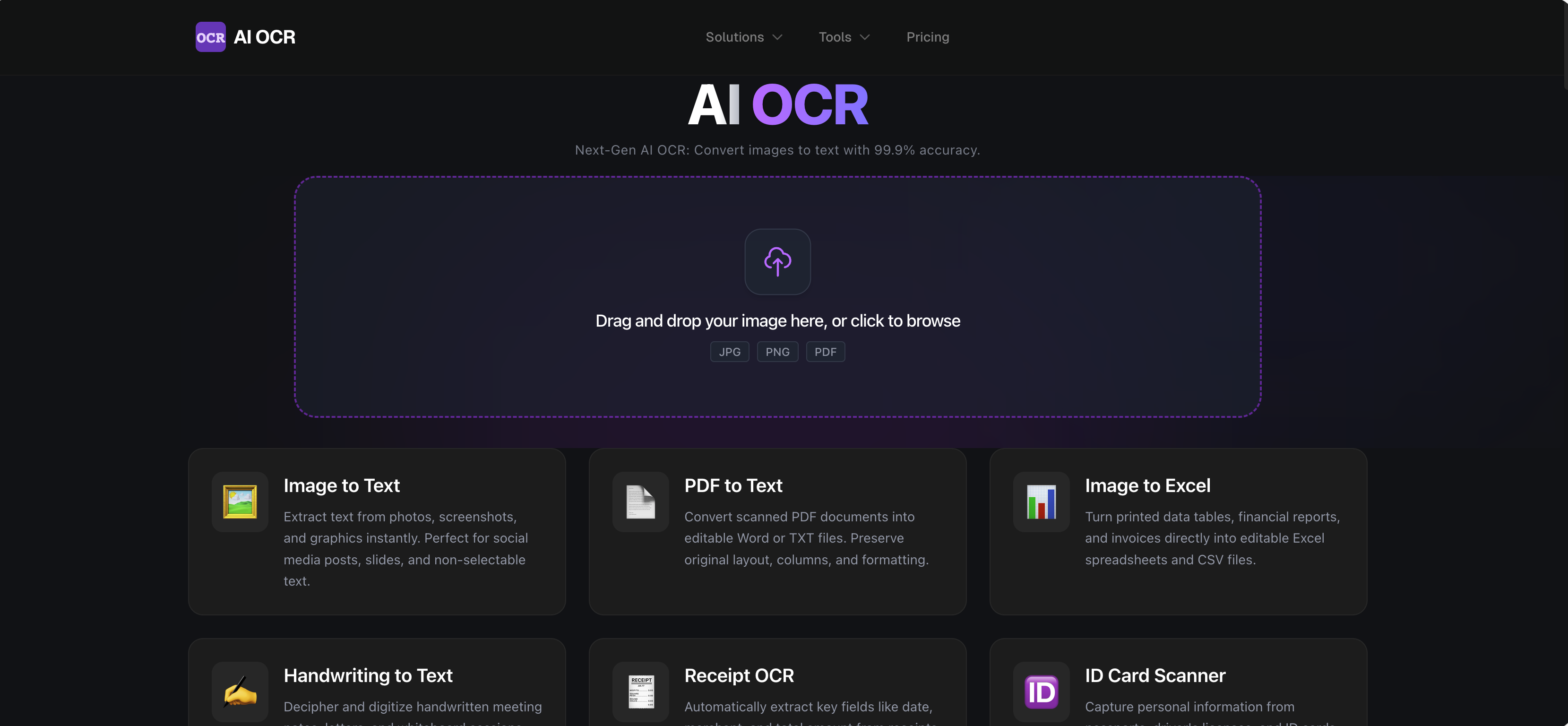
AI OCR is a free online tool that converts images and PDFs into editable text entirely in your browser. It uses AI-powered OCR with deep learning models to recognize characters, handwriting, and document layouts, supporting 50+ languages. The service is designed for students, business professionals, legal and healthcare workers, and developers who need to digitize documents quickly and privately.
How it works
The tool runs entirely in the browser, so no files are uploaded to a server. It applies smart image pre-processing like noise reduction, binarization, and deskewing, then performs layout analysis to distinguish columns, headers, footers, images, and tables. Deep learning models recognize characters and words directly on the device, using context-aware language processing to improve accuracy on ambiguous characters and handwriting.
Key capabilities
AI OCR supports 50+ languages including English, Chinese, Japanese, French, German, Spanish, and Portuguese. It preserves original formatting such as paragraphs, lists, bold/italic styles, and tables. The tool can output text, Excel, CSV, Markdown, HTML, and LaTeX, making it versatile for different use cases. It also handles handwriting recognition, though accuracy depends on legibility.
Who it is for
The service is useful for students and researchers digitizing textbooks and archives, business professionals converting invoices and receipts, legal and healthcare workers digitizing case files and patient records, and developers extracting code snippets or building document processing pipelines. It works on Windows, Mac, iOS, Android, and Linux via a modern browser.
Pricing and limits
AI OCR offers a free tier for daily conversions. Paid plans include a Monthly Member at $9.9 per month, a Yearly Member at $59 per year (billed annually, saving 50%), and a Lifetime Member at $119 for unlimited usage forever. All paid plans include priority queue and full OCR formatting support.
Key features
Local Privacy
Processes images and PDFs locally in the browser, ensuring data never leaves the device.
Massive Language Support
Supports 50+ OCR language options including English, Chinese, Japanese, French, German, Spanish, Portuguese, and more.
Format Retention
Reconstructs original layout including paragraphs, lists, bold/italic styles, and tables.
High-Fidelity Accuracy
Uses deep learning models for context-aware recognition, improving accuracy on ambiguous characters and handwriting.
Multiple Output Formats
Converts images and PDFs to editable text, Excel, CSV, Markdown, HTML, and LaTeX.
Use cases
Academic research
Digitize textbook pages, reference materials, and library archives for research and citations.
Business data entry
Convert invoices, purchase orders, and business cards into CRM or ERP systems, and automate expense reporting with receipt scanning.
Legal and healthcare
Digitize case files, patient records, and contracts, making scanned PDFs searchable.
Developer workflows
Extract code snippets from tutorials, capture error messages from screenshots, or build document processing pipelines.
Pricing & limits
From the official site · checked 10/10/2026Frequently asked questions about aiocr
- Is this OCR service free to use?
- Yes, we offer a generous free tier that allows you to convert a substantial number of documents daily. For power users and businesses requiring batch processing or API access, our AI OCR offers affordable premium plans.
- Can it read handwriting?
- Absolutely. Our advanced AI models are specifically trained to recognize various styles of handwriting, from neat cursive to doctor's notes, although legibility obviously impacts accuracy.
- What happens to my files after conversion?
- Privacy is paramount. OCR processing happens locally in your browser for the duration of the conversion, so your documents remain on your device.
- Do I need to install any software?
- No installation is required. Our AI OCR converter is web-based and runs locally in your browser. You can access it from Windows, Mac, iOS, Android, or Linux using a modern browser.
- How accurate is the table conversion?
- Table extraction is one of our strongest AI OCR features. The AI detects grid lines and cell structures to faithfully recreate tables in Excel or CSV format, ensuring data aligns perfectly with the original headers and rows.
Related tools

Side Space
Organize tabs into spaces, sync across browsers, and automate tasks with AI chat and agent modes.

Aspirely.ai
Automate job alerts, resumes, cover letters, and interview prep with Telegram AI agents.
ApplyGenius - Al Resume Builder For Developers
Tailored CVs, cover letters, and ATS optimization for developers pivoting to AI engineering roles.

Video2PPT
Convert videos to editable PowerPoint, Google Slides, PDF, or HTML with local processing.

Dokie AI
Create professional, brand-aligned slides with clean layouts in minutes.

JobSprout
Build ATS-friendly CVs and cover letters tailored to any job in minutes.

Thawly AI
Break overwhelming tasks into tiny, actionable steps with a 2-minute timer.

GenPPT AI
Create professional presentations in minutes with AI-powered generation, beautification, and speaker notes.