
GPT for Google Workspace & Microsoft 365
coregptapps.comAI copilot for office suites
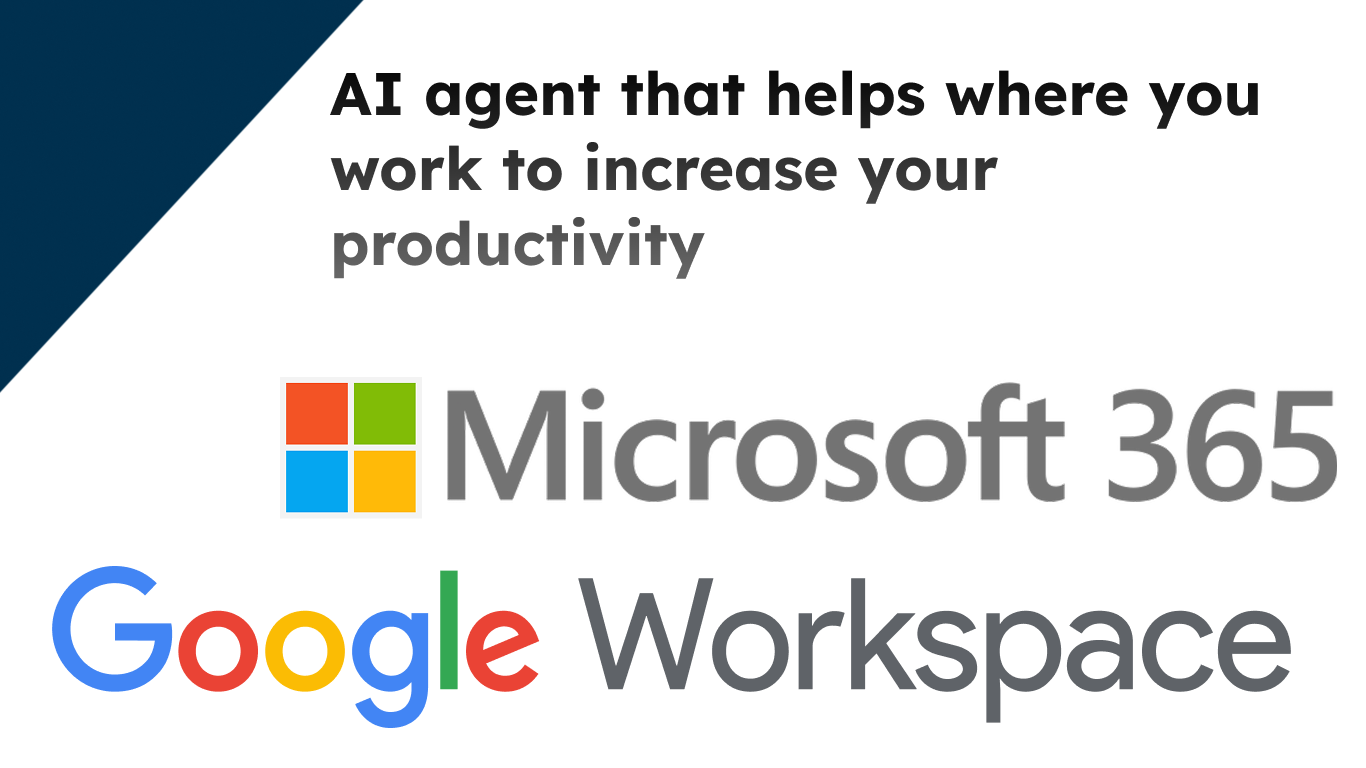
Automate tasks in Word, Excel, Outlook, Teams, Docs, and more with AI.
Overview
CoreGPT Apps is an independent third-party AI copilot that brings ChatGPT, Gemini, and Claude directly into Microsoft 365 and Google Workspace. It helps teams and managers automate tasks like drafting emails, summarizing threads, analyzing data, and building presentations without leaving their familiar office applications. The service is designed for professionals who want to save hours weekly by running AI actions in place, with a focus on privacy and ease of use.
How it works
CoreGPT Apps integrates AI directly into Microsoft 365 and Google Workspace applications, allowing users to run commands without switching contexts. It supports Word, Excel, PowerPoint, Outlook, Teams, OneNote, Docs, Sheets, and Forms. Users can draft responses, rewrite tone, summarize threads, and translate content right where they work, eliminating the need for copy-paste between tools.
Who it is for
The tool is built for teams and managers who want to reclaim time from repetitive tasks. It is trusted by over 50,000 professionals at companies like Microsoft, Disney, PayPal, and SAP. Users report saving up to 15 hours per week on report generation, with tasks that previously took three hours now completed in about 20 minutes.
What sets it apart
CoreGPT Apps emphasizes privacy by design, ensuring that user content stays theirs with secure, in-place assistance. The service is easy to use, with no registration or credit card required to start. Users can begin in 30 seconds and try it out before committing, making it accessible for quick adoption across teams.
Supported models and platforms
The service supports multiple AI models, including ChatGPT, Gemini, and Claude, giving users flexibility in choosing their preferred assistant. It is available for Microsoft Teams through the Microsoft Marketplace, and the site provides dedicated pages for each supported application, such as GPT for Outlook and GPT for Docs, to guide users on specific workflows.
Key features
Multi-model AI integration
Use ChatGPT, Gemini, and Claude directly within Microsoft 365 and Google Workspace applications.
In-place automation across office suites
Automate tasks in Word, Excel, PowerPoint, Outlook, Teams, OneNote, Docs, Sheets, and Forms without switching contexts.
Email and document assistance
Draft emails, summarize threads, rewrite content, and improve tone directly in your inbox and documents.
Teams collaboration enhancement
Summarize meetings, draft messages, and enhance collaboration with AI inside Microsoft Teams.
Quick and free to start
Start in 30 seconds with no registration or credit card required, and try it out before committing.
Privacy by design
Focus on secure, in-place assistance to keep your content private and yours.
Use cases
Email management
Draft responses faster, rewrite tone, and summarize email threads without leaving Outlook.
Spreadsheet automation
Analyze data and automate spreadsheet tasks directly in Excel.
Presentation creation
Build presentations with AI assistance in PowerPoint.
Team collaboration
Summarize meetings, draft messages, and enhance collaboration within Microsoft Teams.
Document editing
Rewrite, summarize, translate, and improve tone in Google Docs without copy-pasting.
Pricing & limits
From the official site · checked 10/10/2026Frequently asked questions about GPT for Google Workspace & Microsoft 365
- What is CoreGPT Apps?
- CoreGPT Apps is an AI copilot that works inside Microsoft 365 and Google Workspace applications, allowing you to use ChatGPT, Gemini, and Claude directly in tools like Word, Excel, PowerPoint, Outlook, Teams, OneNote, Docs, Sheets, and Forms.
- Who is CoreGPT Apps for?
- It is designed for teams and managers who want to automate tasks and save time within their existing Microsoft 365 and Google Workspace workflows.
- Is CoreGPT Apps free to use?
- Yes, you can start for free with no registration or credit card required. The site states you can 'Start Free' and 'No registration or credit card needed'.
- Which applications does CoreGPT Apps support?
- CoreGPT Apps supports Microsoft 365 applications including Word, Excel, PowerPoint, Outlook, Teams, and OneNote, as well as Google Workspace applications like Docs and Sheets.
- How is my data secured?
- The site emphasizes that it is 'Private by design' and focuses on secure, in-place assistance, ensuring your content stays yours.
Related tools

RankResume
Upload your resume, paste a job description, and get a tailored resume and cover letter in 60 seconds.

LastRound AI
Get tailored answers in about a second during live interviews, invisible on screen share.
ConsultScribe
Record or upload consultations, get accurate transcription, and generate custom-formatted reports in seconds.

AI Prompt Anonymizer
Redact names, emails, API keys, and card numbers from any prompt before sharing with AI.

XIMA DIGITAL
Translate, chat, and summarize PDFs with cited answers and multi-file support.

ScanPilot
Convert PDFs, scans, photos, and handwritten documents into structured Excel, CSV, or JSON files.
superscribe.io
Turn every business call into notes, tasks, and follow-ups on your own number.

Applytrackr
Track every job application, get tailored resumes and cover letters, and auto-apply with ease.