AI image and video generator
Generate AI images and short videos from text or photos, free without login.
Description
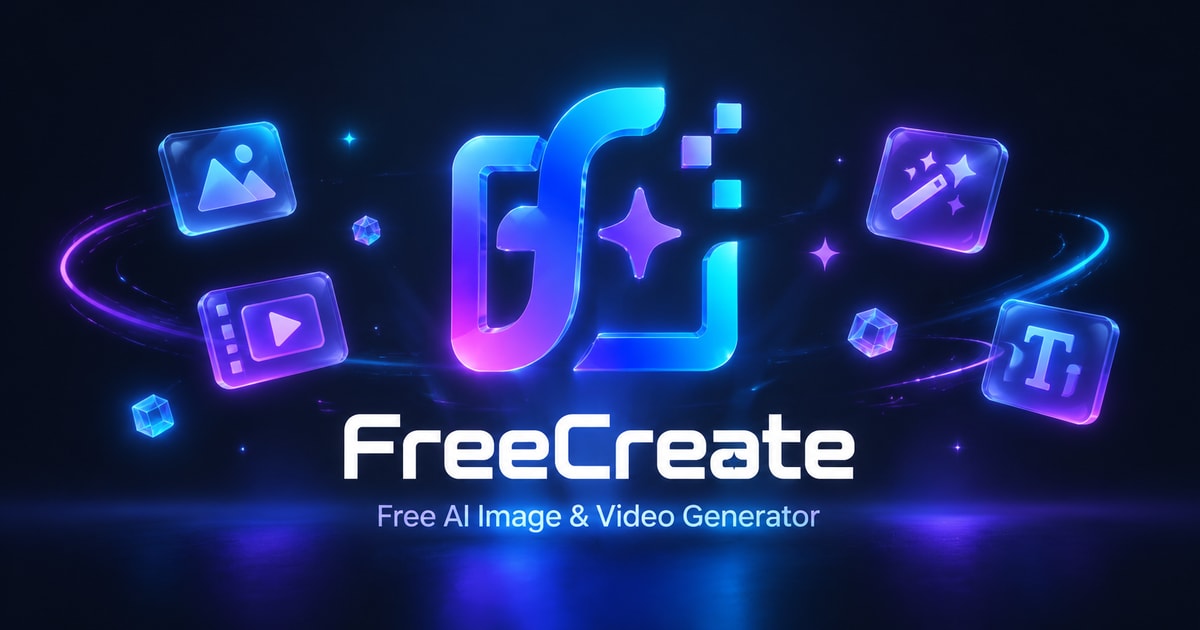
FreeCreate is an AI creative studio that generates images and short videos from text prompts or reference photos. It offers a range of tools including image editing, background removal, and upscaling, all accessible directly in the browser without requiring an account. Designed for creators, marketers, and teams, FreeCreate supports workflows from concept art to social media graphics and product visuals.
How it works
FreeCreate provides a browser-based workspace where users can choose between image or video generation, select from available AI models, and enter prompts. The workflow supports uploading reference images for image-to-image transformations. After generation, users can review and download results, with options to refine prompts and regenerate for better outcomes.
Key capabilities
The platform includes a variety of AI models such as GPT Image 2.5, Nano Banana, Seedance 2.5, and Grok Imagine, each suited to different styles and workflows. Additional tools like background remover, image upscaler, magic eraser, and image extender enhance editing capabilities. The Canvas workspace offers professional-grade video editing, with local project editing available without sign-in.
Who it is for
FreeCreate is aimed at video creators, campaign teams, visual experimenters, storyboard artists, and solo creators or studios. It supports use cases like AI art, illustrations, social media graphics, product concepts, character designs, and short AI videos. The platform also offers workflow guides for specific creative tasks, such as product photo generation and motion control.
Pricing and limits
FreeCreate offers a free plan with bonus credits upon login and opportunities to earn more through platform events. Paid plans include Plus at $10/month, Pro at $20/month, and Max at $40/month (billed annually), each providing monthly credits, unlimited generations on select models, VIP fast generation queue, and early access to new models. Credit packs are also available for additional usage.
Pricing plans
Verified 10/11/2026Key Features
Text-to-image and image-to-video generation
Generate AI images from text prompts or reference photos, and turn prompts or still images into short AI videos.
Multiple AI models
Access a variety of AI models including GPT Image 2.5, Nano Banana, Seedance 2.5, and Grok Imagine, with new models available early to paid users.
Canvas workspace
Use the Canvas workspace for professional-grade video editing and creation, with local project editing without sign-in.
Image editing tools
Includes tools like background remover, image upscaler, magic eraser, and image extender for post-generation editing.
Credit system
Free plan users receive bonus credits upon login and can earn more through platform events; paid plans offer monthly credits and unlimited generations on select models.
Use Cases
AI art and illustrations
Create AI art, illustrations, and concept images for personal projects or mood boards.
Social media graphics
Generate social media graphics and campaign visuals with specified framing, colors, and text space.
Image-to-image transformations
Use image-to-image transformations to restyle or create variations of existing images.
Short AI videos
Turn scene ideas into short AI videos with controlled motion, camera direction, and atmosphere.
Product concepts
Develop product concepts, packaging directions, and studio setups before a full photo shoot.
Frequently asked questions about FreeCreate: Free AI Image & Video Generator — No Login
- What is FreeCreate?
- FreeCreate is an AI creative studio that generates images and short videos from text prompts or reference images, with additional tools for editing, background removal, and upscaling.
- Is FreeCreate free to use?
- Yes, you can start generating AI images and videos for free without creating an account or logging in. Free plan users also receive bonus credits upon login.
- What can I create with FreeCreate?
- FreeCreate supports image generation, image-to-image transformations, video generation from text or images, and various editing tools like background remover, image extender, upscaler, and magic eraser.
- What are the paid plans?
- FreeCreate offers paid plans: Plus at $10/month (billed annually), Pro at $20/month (billed annually), and Max at $40/month (billed annually), each with different credit allowances and features.
- Do I need to sign up to use FreeCreate?
- FreeCreate works in the browser without requiring login. You can create and edit local Canvas projects without signing in, but saving projects to your account requires sign-in.
FreeCreate: Free AI Image & Video Generator — No Login Alternatives

Magic Hour
Create videos, images, and audio with 100+ AI tools in one browser-based studio.

Molyin
Generate cinematic videos, images, and music from text prompts in one studio.

Photo Animate - Photo to Video AI
Turn still portraits into lifelike videos with natural motion and easy controls.

GoCrazyAI
Turn text or photos into videos, images, music, and voice with five AI models.

Pedestrian Detection
Detect pedestrians near vehicles and machinery in real time using existing CCTV cameras.

FlickSpeed
Create production-grade videos with AI agents and pay only for the models you use.
HighReach
Create standout videos, images, and audio with leading AI models in one studio.

seedancetwo2.0
Create cinematic videos from text, images, video, or audio with reference-based control and audio sync.