AppIconKitchen
appiconkitchen.comIcon generator with project-ready exports
Generate app icons from text prompts and export Xcode-ready asset catalogs, Android mipmaps, and Web/PWA icons.
Overview
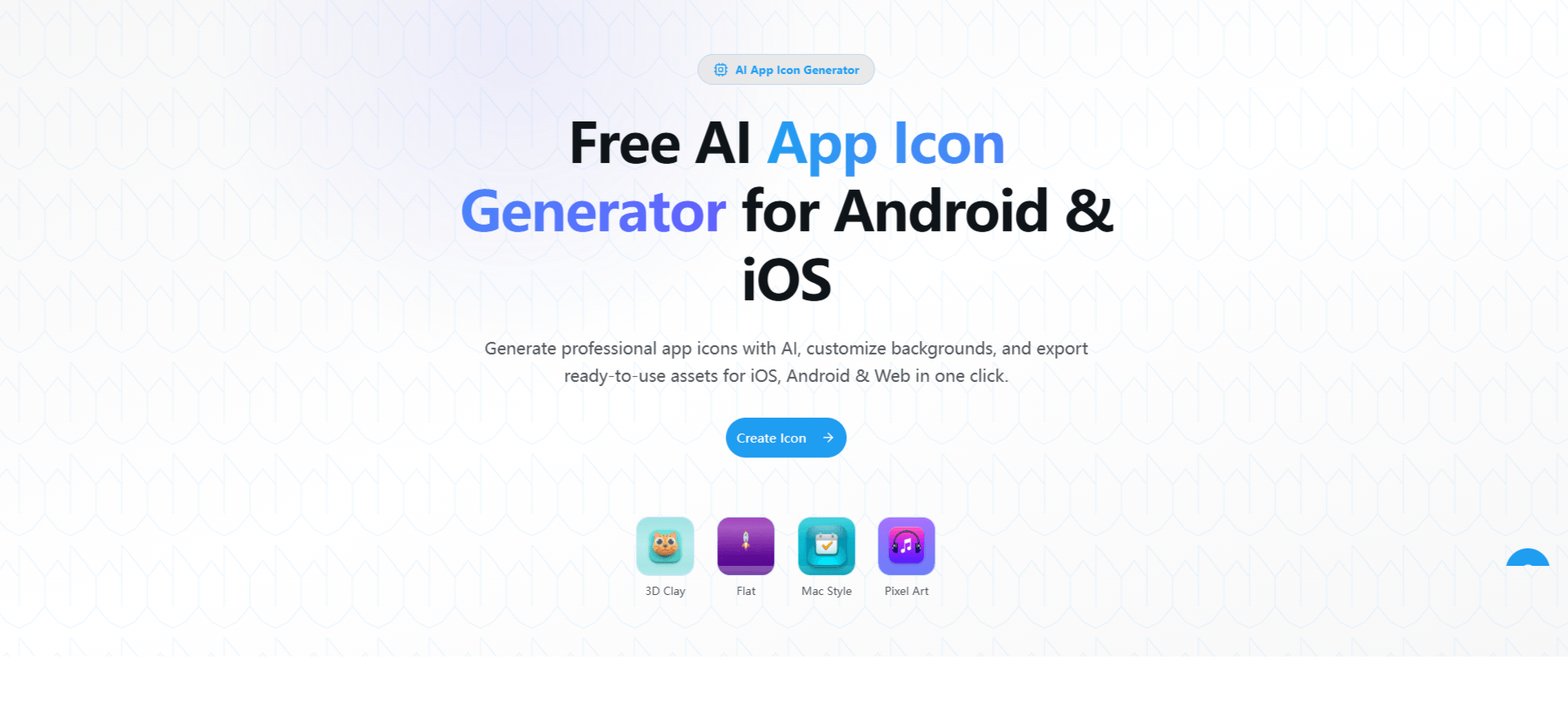
AppIconKitchen is a web-based AI app icon generator that turns a text description into polished icons for iOS, Android, and Web. It outputs project-ready assets including Xcode-ready AppIcon.appiconset folders, Android mipmap folders, and Web/PWA icons. Designed for independent developers, product teams, designers, and agencies, it simplifies the icon creation and export workflow.
How it works
Describe your app in any language, then optionally choose a style, theme color, and 1-4 concepts. The AI generates a cohesive batch of visual directions. Each generated icon costs 2 credits, and you can continue in Workbench to refine the result with natural-language instructions or remove backgrounds for adaptive icons.
Key capabilities
One ZIP includes a 1024px master, the iOS asset catalog with 20 PNG files and Contents.json, Android density folders from mipmap-mdpi to mipmap-xxxhdpi, and Web/PWA icons including favicon, apple-touch-icon, and maskable icons. Android adaptive icons with foreground, background, and XML resources are added after you create a separated foreground layer.
Who it is for
AppIconKitchen is designed for independent developers, product teams, designers, and agencies that need repeatable app icon exports without manually assembling every size and configuration file. It supports iOS, Android, Expo, Flutter, Web, and PWA projects, with workflows for each platform.
Pricing and limits
New accounts receive 2 free credits, enough to generate one icon. Starter costs $4.99 for 50 permanent credits, and Pro costs $24.90 for 400 permanent credits. Credits never expire, and failed generations are refunded automatically. Commercial use is included in paid plans.
Key features
Multi-concept generation
Generate 1-4 icon concepts per run from a single prompt, with optional style and color choices.
Platform-ready exports
Export a project-ready ZIP with iOS AppIcon.appiconset, Android mipmap folders, and Web/PWA icons.
AI Refine and background removal
Refine icons with natural-language instructions in Workbench, including background removal for adaptive icons.
All sizes in one export
Includes 1024px master, iOS asset catalog, Android density folders, and Web/PWA icons in one ZIP.
Permanent credits
Credits are permanent with no subscription or expiry; failed generations are refunded automatically.
Use cases
App development
Generate and export app icons for iOS, Android, and Web projects.
Flutter and Expo
Create icons for Flutter and Expo projects with app.json-ready paths.
Web and PWA
Prepare favicon, apple-touch-icon, and maskable icons for PWA and web apps.
Commercial use
Generate icons for commercial projects and app store listings.
Pricing & limits
From the official site · checked 10/10/2026Frequently asked questions about AppIconKitchen
- How does the AI app icon generator work?
- Describe your app in any language, choose 1-4 concepts, and the AI generates different takes using the same prompt and optional style settings.
- Is it really free?
- New accounts receive 2 free credits, enough to generate one icon. You can then fine-tune that result and export its platform asset set.
- Can I edit the icon after generation?
- Yes. Continue in Workbench to refine the result before export.
- How do I use the icon in Xcode?
- Extract the ZIP, then copy the AppIcon.appiconset folder into your Xcode project's Assets.xcassets catalog. Contents.json is already included.
- How do I use the icon in Android Studio?
- Copy the mipmap-* folders into app/src/main/res/. Full adaptive icon foreground, background, and mipmap-anydpi-v26 XML resources are included only after you create a separated foreground layer.
Related tools

ailogogenerator
Create professional logos in seconds with AI, no design skills needed.
PatentFig AI
Turn photos, sketches, or text into filing-ready patent figures for six offices.

Image to STL
Turn JPG and PNG images into 3D printable STL files in under a minute.
Birthday Invitation AI
Create personalized AI birthday invitations with QR code RSVP tracking and gift wishlists.
Diatech Studio
Generate, search, price, and present jewelry designs in one project.
Floor Plan AI
Describe any space and get a professional floor plan in seconds with 2D, 2.5D, and 3D previews.
Spotify Logo Generator
Turn any logo into a glossy disco-ball icon for playlist covers, avatars, and campaign mockups.
Roomagic
Upload a room photo and get photorealistic AI redesigns with design reports, material ideas, and budget notes.