
Z Image Turbo
Third-partyzimage-turbo.orgTurbo text-to-image model
Turn natural-language prompts into 768-1024px images with style presets and negative prompts.

Overview
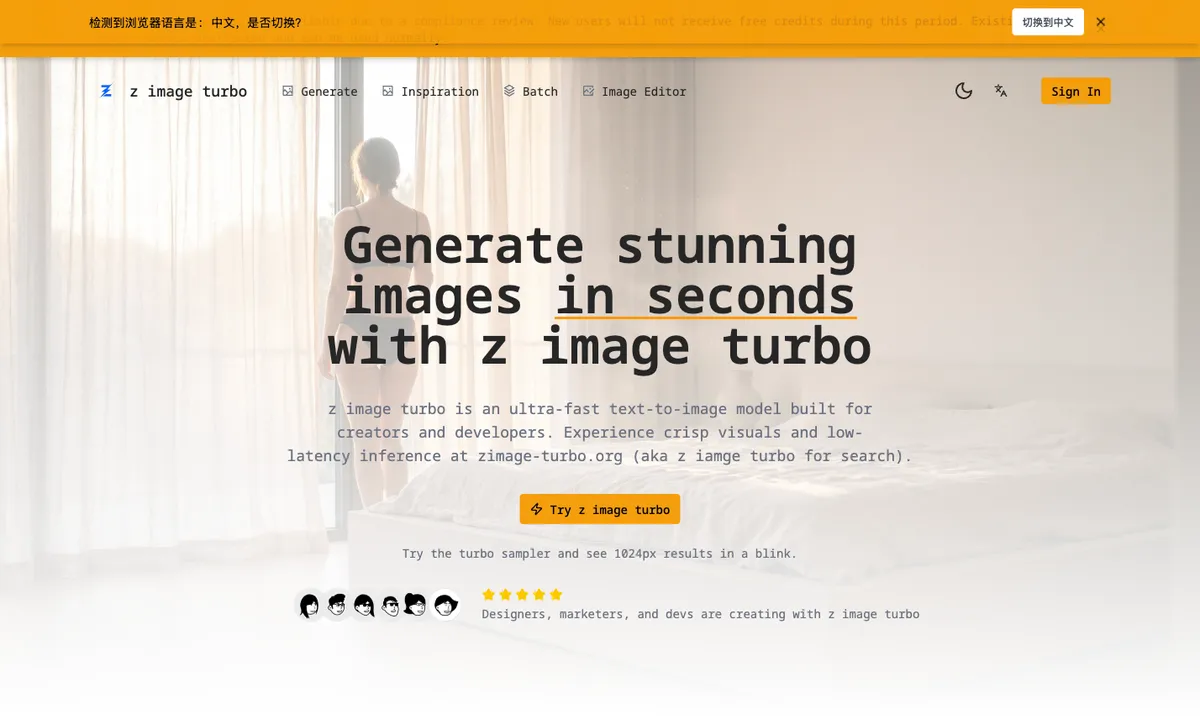
z image turbo is an independent third-party service built around the Z-Image-Turbo model, an ultra-fast text-to-image generator. You write a natural-language prompt, pick a style preset and a 768-1024px size, and get photorealistic images in seconds. It is aimed at designers, marketers, and developers who need fast, controllable visuals.
How it works
The workflow has four steps. Write a natural-language prompt describing the scene, product, or style, then pick a preset such as cinematic, product, or anime and choose a 768-1024px output size. Hit turbo to see first frames in seconds with clean lighting and stable subjects, then download or export the result for presentations and mockups. The site says you can move from idea to download-ready images in under a minute.
Key capabilities
Turbo inference is latency-optimized for rapid feedback loops and batch generation. A prompt plus negative prompt pair lets you guide compositions while removing artifacts, unwanted styles, or clutter. Style presets cover cinematic, product, portrait, and illustration looks for consistent branding, and outputs are crisp at 1024px with strong edges, textures, and lighting control. A history panel keeps recent generations handy for export.
Performance and hardware
The site reports an average first-frame latency of 0.7s on an A100. Outputs are 1024px and described as ready to ship. The model is optimized for 8-12GB VRAM, so you can prototype locally or deploy in lean cloud setups. For production use, the site lists observability, rate limits, and safe defaults.
Who it is for
Designers use it to iterate product shots in minutes and drop assets straight into Figma. Indie game developers export visuals into storefronts, and ecommerce founders generate print-ready renders for storyboards and concept decks. Marketing leads ship campaign visuals the same day with consistent branding, and platform engineers point to keys, rate limits, and logs for integration.
Key features
Turbo diffusion sampling
Latency-optimized sampling built on the Z-Image-Turbo model card delivers an average first-frame latency of 0.7s on an A100 for rapid feedback loops and batch generation.
Prompt and negative prompt control
Guide compositions with natural-language prompts while a negative prompt removes artifacts, unwanted styles, or clutter from the result.
Style presets and 1024px output
One-click cinematic, product, portrait, and illustration looks keep branding consistent, with crisp 1024px outputs and selectable 768-1024px sizes.
Low hardware footprint
Optimized for 8-12GB VRAM so you can prototype locally or deploy in lean cloud setups.
History and export
Recent generations stay handy in a history panel, and results can be saved or exported for decks, mockups, and handoff.
Use cases
Product shots and mockups
Designers iterate product shots in minutes with consistent lighting and drop assets straight into Figma.
Character and style consistency
Lock in a character style and generate dozens of poses without drift for concept art and storyboards.
Campaign and marketing visuals
Marketing teams ship campaign visuals the same day with consistent branding and no artifact cleanup.
Game and storefront assets
Indie developers export visuals directly into storefronts and game projects.
Pricing & limits
Listed as freemium. A dated pricing breakdown is not available. Check the provider for current plans and allowances.
Check current pricing on the official siteFrequently asked questions about Z Image Turbo
- What is z image turbo?
- It is an ultra-fast text-to-image model built for creators and developers, delivering photorealistic results with low-latency inference and a low VRAM footprint.
- How fast is image generation?
- The site reports an average first-frame latency of 0.7s on an A100, and the four-step workflow is described as moving from idea to download-ready images in under a minute.
- What output sizes and styles are available?
- You can choose 768-1024px outputs and one-click presets such as cinematic, product, portrait, illustration, and anime.
- What hardware does it need for local runs?
- It is optimized for 8-12GB VRAM, so you can prototype locally or deploy in lean cloud setups.
- Is there an API?
- API access is listed as on the roadmap; the site mentions keys, rate limits, and logs as part of its production readiness.
Related tools

DatingProfile
Realistic dating profile photos from one selfie
Nano Banana 2
Generate 2K images with readable text in 100+ languages and upscale them to 4K.

MyColoring.AI
Turn a text idea, photo or name into a printable coloring page or a whole coloring book.

Open AI Image
Independent AI image generation and editing studio
MakeImg
AI photo generator for text prompts and photos

Beautyface AI
Turn 1 to 5 selfies into studio-quality AI photoshoots with identity-preserving facial lock and 1K to 4K export.
Uncensored AI
Turn bold ideas into striking images.
Vikas Editor AI
Your photo. A whole new story