kling motion control
Third-partymotioncontrol.appMotion transfer video generator
Turn still images into cinematic videos with precise AI motion control.
Overview
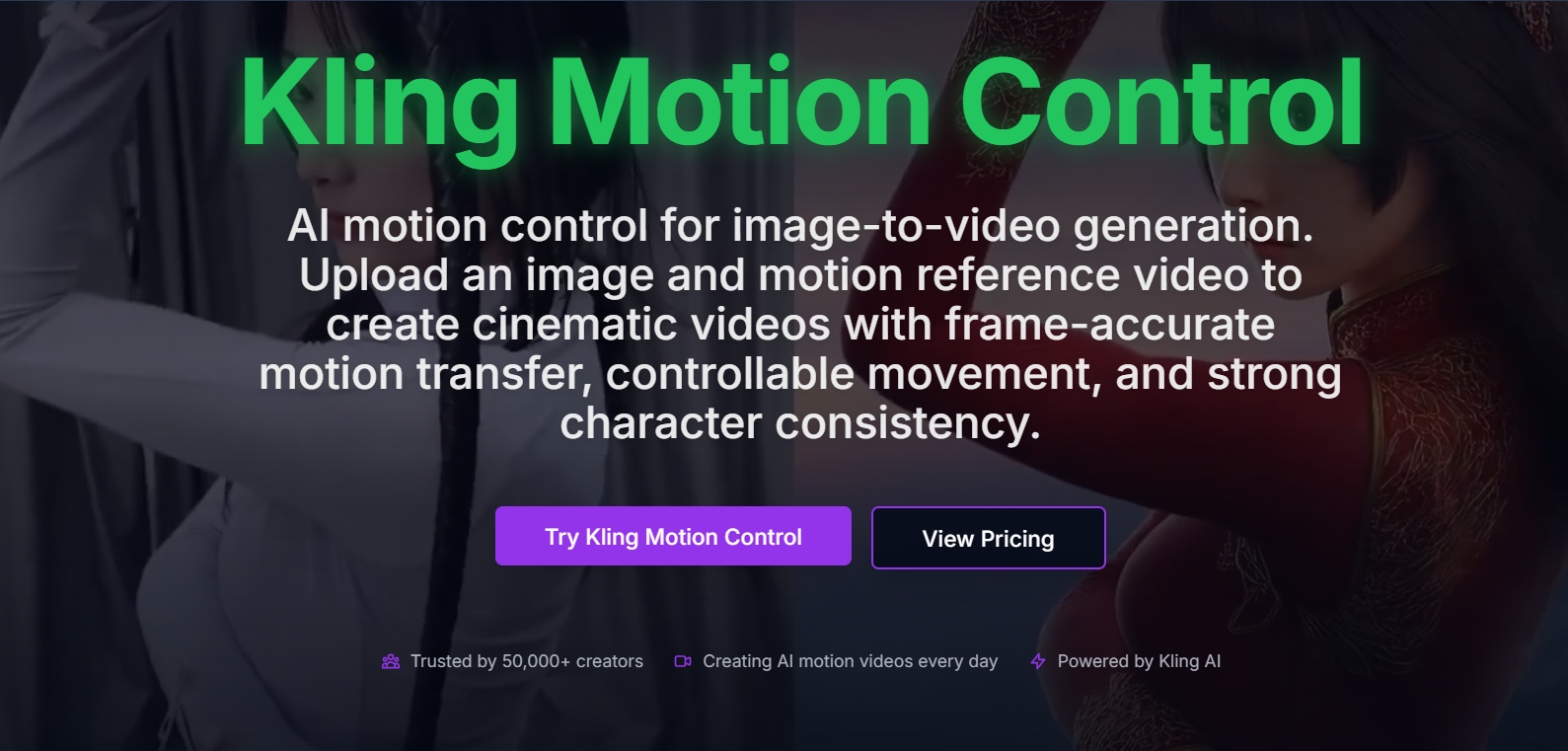
Kling Motion Control is an AI-powered tool that turns still images into cinematic videos by transferring motion from a reference video clip. Users upload an image and a motion reference video, optionally add a prompt, and the model generates a video with frame-accurate motion transfer, stable character consistency, and controllable camera movement. It is designed for content creators, filmmakers, and marketers who need precise control over AI-generated video motion. This is an independent third-party service and is not operated by the company behind the model it is built around.
How it works
The workflow starts by uploading a reference image in PNG, JPG, or JPEG format, then adding a motion reference video in MP4 format (3-30 seconds, max 100MB). Users can refine the scene with optional text prompts to control background elements, camera feel, or styling. Finally, they choose between Kling Motion Control 2.6 or 3.0 and generate the video, which takes minutes.
Key capabilities
Kling Motion Control offers precise AI motion control with frame-level accuracy, stable character consistency that preserves facial features and clothing, and cinematic camera movement including pans, tilts, and zoom-like motion. It handles complex actions like subtle gestures and full-body movement, and generates videos in minutes. Quality options include Standard at 720p (15 credits per second) and Professional at 1080p (25 credits per second).
Who it is for
The tool is trusted by over 50,000 creators and is used by content creators, film directors, and marketing agencies. Testimonials highlight its use for transferring dance motion to illustrated characters, pre-visualization and camera planning in film production, and creating product videos and ad concepts. It is suitable for anyone needing controllable AI video generation from still images.
Pricing and limits
Kling Motion Control offers a free tier with 15 credits for signing in, allowing users to generate videos without payment. Paid plans are available: Starter at $10/month (billed annually) includes 1500 credits per month and up to 33 videos, Pro at $25/month includes 3800 credits and up to 84 videos, and Ultra at $65/month includes 11500 credits and up to 255 videos. All plans include access to Kling Motion Control 2.6 and 3.0, plus other AI models like Kling 3.0, Seedance 2.0, Veo 3.1, and Nano Banana.
Key features
Image-to-video motion transfer
Transfer motion from a reference video to a still image with frame-accurate control.
Stable character consistency
Preserve facial features, clothing, and visual identity throughout the generated video.
Cinematic camera movement
Guide subject movement, camera pans, tilts, and zoom-like motion with precise trajectories.
Complex action control
Handle subtle gestures, full-body movement, and complex action sequences with better control.
Fast AI video generation
Generate motion-controlled videos in minutes, with quality options at 720p and 1080p.
Use cases
Character animation
Transfer dance or action movements from a reference clip to a character image for animated sequences.
Film pre-visualization
Use motion transfer to test scene ideas and camera movements before production.
Marketing content
Create product videos and ad concepts by animating still product photos with controllable motion.
Pricing & limits
From the official site · checked 10/10/2026Frequently asked questions about kling motion control
- What is Kling Motion Control?
- Kling Motion Control is an AI tool that turns a still image into a video by transferring motion from a reference video clip. You upload an image and a motion reference video, optionally add a prompt, and the model generates a cinematic video with controllable movement.
- Who is Kling Motion Control for?
- It is designed for content creators, filmmakers, marketing professionals, and studios. The site mentions it is trusted by 50,000+ creators and includes testimonials from a content creator, a film director, and a marketing agency owner.
- Is Kling Motion Control free?
- Yes, it is free to use. The site states 'Sign in to generate' and offers a free tier with 15 credits, allowing users to generate videos without payment. Paid plans are also available for higher usage.
- What file formats are supported?
- Kling Motion Control supports uploading images in PNG, JPG, or JPEG format, and motion reference videos in MP4 format with a duration of 3 to 30 seconds and a maximum file size of 100MB.
- Which models are available?
- You can choose between two models: Kling Motion Control 2.6 and Kling Motion Control 3.0. The 3.0 model offers higher credit costs per generation and includes features like background paths.
Related tools

Photo Animate - Photo to Video AI
Turn still portraits into lifelike videos with natural motion and easy controls.

Molyin
Generate cinematic videos, images, and music from text prompts in one studio.

Magic Hour
Create videos, images, and audio with 100+ AI tools in one browser-based studio.

AI Fruit
Create fruit-themed AI videos for TikTok, Instagram, and YouTube with templates and multiple models.
VideoFlux
Turn text prompts and images into videos with multiple AI models and commercial rights.

HY Motion
Generate professional 3D character animations from text descriptions in seconds.
Happy Horse AI
Create cinematic videos with synchronized audio from text or images in six languages.
DramaPixel
Generate videos and images from text with multiple AI models in one workspace.