Kekoso
kekoso.appOn-device dictation and transcription for Mac
Dictate, transcribe files and calls, and give AI agents a local MCP server, all on your Mac.
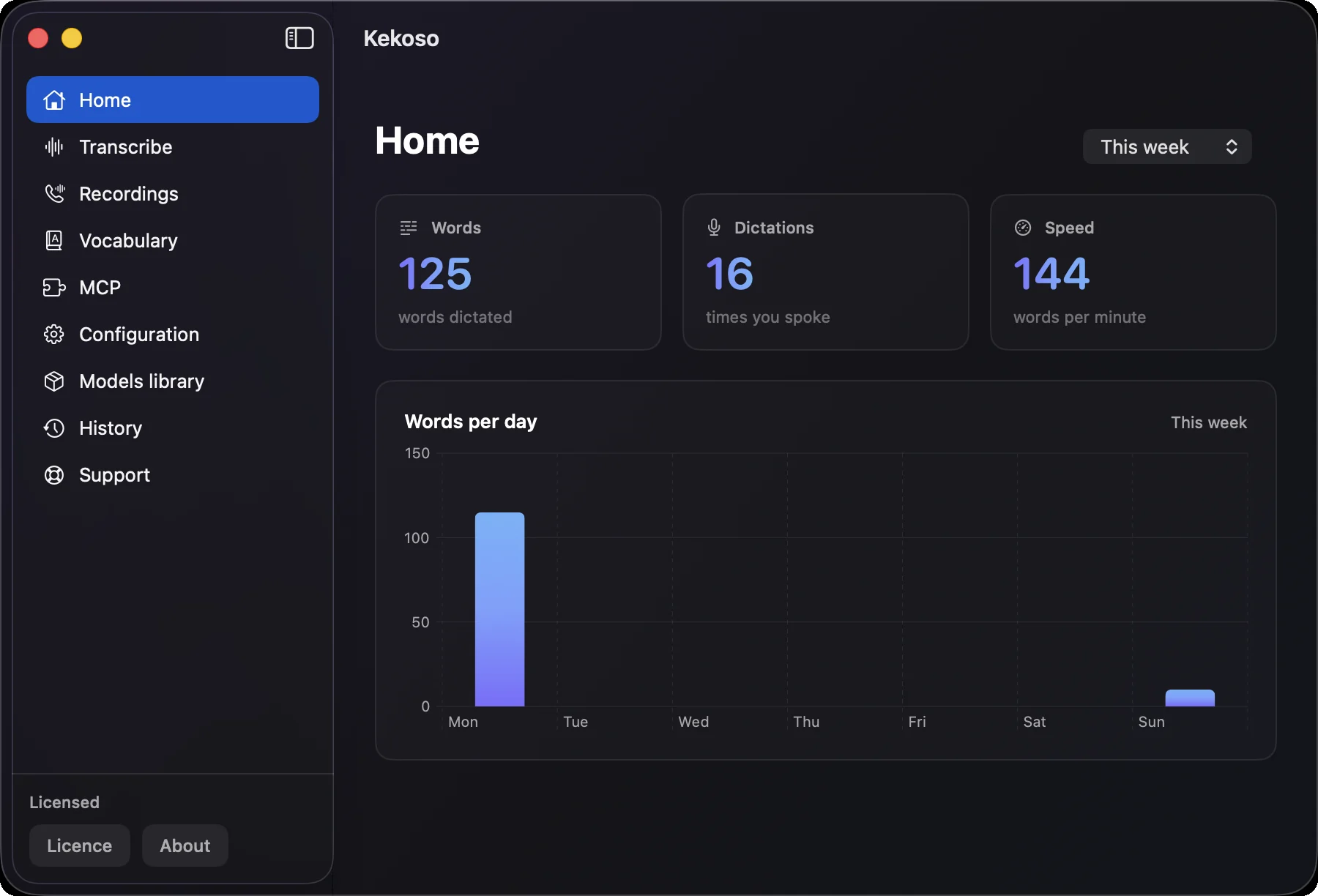
Overview
Kekoso is a macOS app that turns speech into text entirely on your device, covering dictation, file and YouTube transcription, call recording, and a local MCP server for AI agents. It runs on Apple silicon with models like Parakeet, Whisper, and SenseVoice, supporting up to 99 languages. It is for professionals and developers who want privacy-focused, subscription-free speech-to-text without cloud uploads.
How it works
Kekoso captures audio on your Mac and processes it locally using the Neural Engine, with no network calls for recognition. You press a hotkey, speak, and the text appears in the field where your cursor is. The model stays warm in memory to avoid cold starts, and audio is discarded after recognition.
Key capabilities
Beyond dictation, Kekoso transcribes audio and video files (MP3, M4A, WAV, MP4, MOV, and more) with timestamps, exports as TXT, SRT, or VTT, and handles YouTube links for material you own. It records calls split into microphone and system tracks with speaker labels, and runs a local MCP server with twelve tools for Claude Code, Claude Desktop, and Codex.
Who it is for
Kekoso is for Mac users who dictate into apps, transcribe interviews or meetings, and developers who want to give AI agents transcription without cloud dependencies. It supports up to 99 languages for recognition, and the interface is available in ten languages including English, German, Spanish, French, Italian, Portuguese, Russian, Simplified Chinese, Japanese, and Korean.
Pricing and limits
Kekoso costs $29 once, with a 7-day free trial and no card required. It includes all features, no per-minute billing, use on up to three of your own Macs, free updates through the 1.x line, and a 30-day refund. It works offline indefinitely with no license check, and payment is handled by Lemon Squeezy.
Key features
On-device dictation
Dictate into any macOS app with a hotkey, no per-app integration needed.
File and link transcription
Transcribe audio and video files (MP3, M4A, WAV, MP4, MOV, and more) with timestamps, exportable as TXT, SRT, or VTT.
Call recording
Record calls from your side, split into microphone and system tracks, with speaker labels in the transcript.
MCP server for AI agents
Run a local MCP server with twelve tools for Claude Code, Claude Desktop, and Codex, no API key needed.
Custom vocabulary
Add custom vocabulary rules to fix spellings and word replacements, applied across all transcription modes.
Multiple speech models
Choose from five models (Parakeet, Whisper, SenseVoice) with measured accuracy and speed, supporting up to 99 languages.
Use cases
Everyday dictation
Dictate emails, messages, and documents into any Mac app with a hotkey.
Transcribe recordings
Transcribe interviews, lectures, or voice memos from your phone with timestamps.
Call recording
Record calls and get transcripts split by speaker, with no bot in the meeting.
AI agent integration
Give Claude Code or Codex a local transcription server with twelve tools.
Pricing & limits
From the official site · checked 10/10/2026Frequently asked questions about Kekoso
- What is Kekoso?
- Kekoso is a macOS app that provides on-device dictation, transcription of audio and video files, YouTube links, call recording, and a local MCP server for AI agents. It runs entirely on your Mac with no cloud or account.
- Who is Kekoso for?
- It is for anyone who needs speech-to-text on a Mac, including professionals who dictate, transcribe interviews or meetings, and developers who want to give AI agents transcription capabilities.
- Is Kekoso free?
- Yes, Kekoso offers a 7-day free trial with no card required. After that, it costs $29 once, with no subscription.
- What platforms and languages does Kekoso support?
- Kekoso requires macOS 14.4 or later and Apple silicon. It supports up to 99 languages for recognition, and the app interface is available in 10 languages.
Related tools

Miso One
Create expressive dialogue audio, test voice cloning, and review prompts in a browser workspace.

Eleven Labs
Generate lifelike speech, music, and voice agents for any language.

Podcast Transcript | PodText
Turn podcast episodes and recordings into searchable, timestamped text with AI summaries and exports.

BritishAccent
Generate natural British English audio with 214 regional voices for voiceovers, lessons, and more.

Song Flow: AI Music Generator
Create original songs, remix tracks, and generate music videos with AI on iOS and Android.

Transcribe Audio to Text
Turn audio, video, and YouTube links into editable transcripts with timestamps and speaker labels.

Inwista
Transcribe video and audio in 70+ languages, identify speakers, and export subtitles in SRT, VTT, or MP4.
Palabra.ai
Translate live voice and audio in 60+ languages with sub-second latency and voice cloning.