
FragCut IO
fragcut.ioTwitch VOD to vertical clip maker
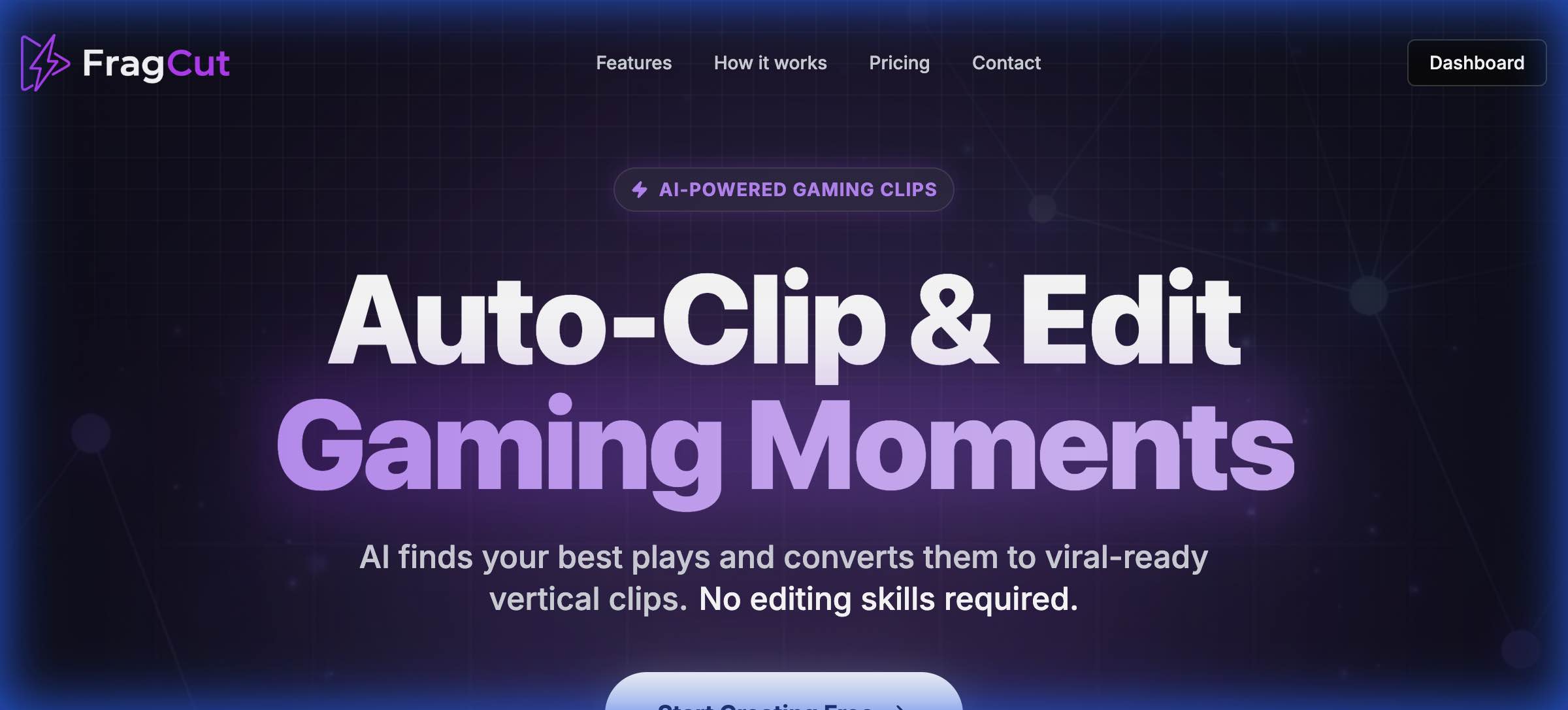
Turn Twitch VODs and gameplay uploads into TikTok-ready vertical clips with AI highlight detection.
Overview
FragCut is an AI gaming clip maker that turns Twitch VODs and gameplay uploads into short vertical clips for TikTok, Reels, and Shorts. Users upload video files or paste a Twitch URL, and the AI detects highlights like kills, aces, and funny moments, producing 5-8 ready-to-post clips in 9:16 format. It is built for Twitch streamers and gaming creators who want to repurpose long streams into social media content without manual editing.
How it works
FragCut works in three steps. First, upload video files in MP4, MOV, WebM, or MKV format, or paste a Twitch URL, with support for up to 4 hours of footage. The AI then analyzes the gameplay to find highlight moments and creates vertical clips. Finally, users review and download the clips, ready to post directly to TikTok, Shorts, and Reels.
Key capabilities
The AI detects headshot sequences, clutch rounds, team wipes, and funny moments, converting them into vertical clips. The Montage Maker stitches multiple clips into one video with drag-to-reorder and Auto Stitch. The Fine-tune editor allows frame-level precision adjustments to start and end times, with real-time previews in the browser. Clips are downloadable in MP4 format at 1080x1920, H.264 codec, 30fps.
Who it is for
FragCut is designed for Twitch streamers and gaming creators who want to turn long VODs into TikTok-ready highlights. It supports all games, with optimized performance for FPS and MOBA titles like Valorant, CS2, and League of Legends that have distinctive audio cues. The service is entirely cloud-based, working through browsers on Windows, Mac, and Linux without installation.
Pricing and limits
FragCut offers two paid plans. Creator costs $19.99/month and includes 30 clips per month, while Pro costs $49.99/month for unlimited clips. Both plans include AI highlight detection, vertical or horizontal format, AI subtitles, the fine-tune editor, and montage maker. Processing takes 15-30 minutes for local uploads, with email support response times of 48 hours for Creator and 24 hours for Pro. A 14-day money-back guarantee is available.
Key features
AI Highlight Detection
AI analyzes gaming videos to find kills, aces, clutches, funny moments, and other highlights.
Vertical Format Conversion
Converts landscape footage to 9:16 vertical video for TikTok, Reels, and Shorts.
Auto Subtitles
Speech-to-text subtitles are generated and burned into clips for viewers watching on mute.
Montage Maker
Stitch multiple clips into one video with drag-to-reorder and Auto Stitch for highlight compilations.
Fine-Tune Editor
Adjust start and end times with frame-level precision and preview changes in real-time in the browser.
Multiple Clips Per Video
Get 5-8 clips from a single video, with support for up to 4 hours of footage.
Use cases
Repurpose Twitch VODs for social media
Streamers can automatically convert their Twitch VODs into 5-8 vertical clips for TikTok, Reels, and Shorts without manual editing.
Create highlight compilations
Gaming creators can use the Montage Maker to stitch multiple highlight clips into a single compilation video for posting.
Fine-tune clip boundaries
Creators can use the Fine-tune editor to adjust clip start and end times with frame-level precision before downloading.
Pricing & limits
From the official site · checked 10/10/2026Frequently asked questions about FragCut IO
- How does FragCut work?
- FragCut is an AI gaming clip maker that turns Twitch VODs and gameplay uploads into short vertical clips. Upload your video or paste a Twitch URL, and the AI analyzes gameplay to find kills, aces, clutches, funny moments, and other highlights. You get 5-8 ready-to-post clips in 9:16 format for TikTok, Reels, and Shorts.
- What subscription plans are available?
- FragCut offers two plans: Creator at $19.99/month for 30 clips per month, and Pro at $49.99/month for unlimited clips. Both include AI highlight detection, vertical format conversion, and auto-generated subtitles. A 14-day money-back guarantee is available.
- Which games does FragCut support?
- FragCut supports all games, with optimized performance for FPS and MOBA titles like Valorant, CS2, and League of Legends that have distinctive audio cues. For other genres, the AI adapts to visual and audio patterns, though results may vary.
- How long does video processing take?
- Processing typically takes 15-30 minutes depending on video length and size. Twitch URL imports require additional time to download the video before processing begins. You receive an email notification when clips are ready.
- Can I edit or customize the generated clips?
- Yes. Clips are downloadable in MP4 format (1080x1920, H.264 codec, 30fps). The Fine-tune editor lets you adjust start/end times with frame-level precision, preview changes in real-time, and toggle burned-in subtitles on or off before downloading.
Related tools

Photo Animate - Photo to Video AI
Turn still portraits into lifelike videos with natural motion and easy controls.

Molyin
Generate cinematic videos, images, and music from text prompts in one studio.

Magic Hour
Create videos, images, and audio with 100+ AI tools in one browser-based studio.
Seedance 2 JP
Create up to 30-second AI videos from Japanese text or images, with audio and 1080p support.

ReelsMakerAI
Turn text prompts into watermark-free faceless videos for TikTok, Instagram, and YouTube with AI automation.
LPM 1.0
Generate real-time character videos that speak, listen, sing, and react with 0.35s latency.

Wan 2.7 AI
Generate 1080P HD videos from text or images with free daily credits and no watermark.

ViewMax Studio
Turn images and text into cinematic AI videos in seconds with multiple models and free starting credits.