
AI Moire Remover
moireremoval.comAI moire remover for scans
Upload screen photos or scans and get moire-free images in seconds with AI.
Overview
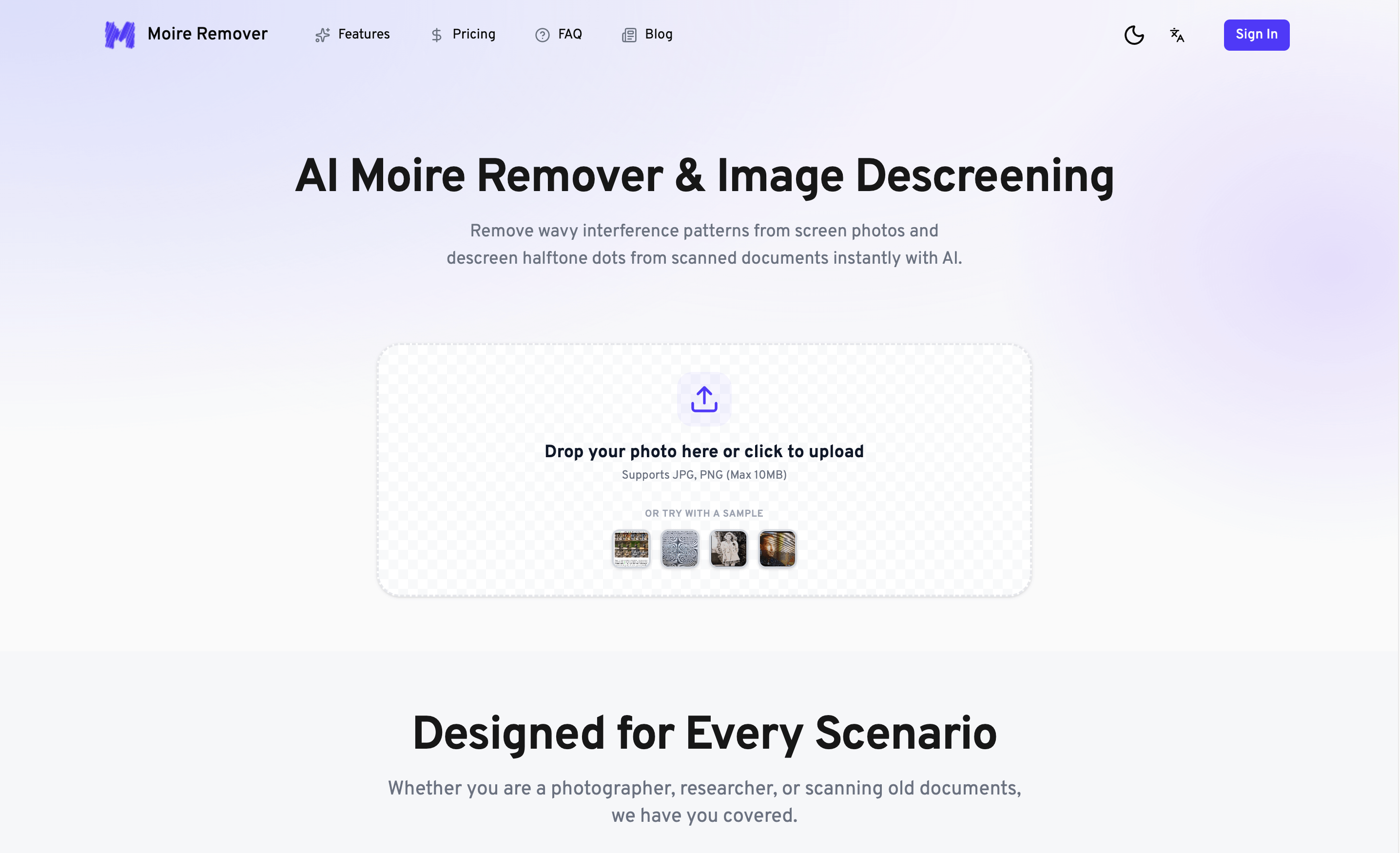
Remove Moire from Photos Online Free is an AI-powered web tool that removes moire interference patterns from images, including screen photos, scanned documents, and fabric textures. Users upload JPG, PNG, or WebP images, select output resolution (1K, 2K, or 4K), and the AI processes them automatically in seconds. It is designed for photographers, archivists, and anyone needing to clean up moire artifacts without manual editing.
How it works
The tool uses deep learning neural networks trained on millions of images to recognize moire interference patterns. It distinguishes between actual image content and unwanted moire artifacts, then reconstructs affected areas to produce a clean, natural-looking result. Processing typically takes 10-30 seconds depending on image size and resolution. Users can preview results with a before/after comparison before downloading.
Key capabilities
The AI is optimized for screen photos (monitors, TVs, phones), print scans (magazines, newspapers), and projectors. It removes rainbow interference, wavy lines, and color banding from screen captures, and eliminates halftone dot patterns from scanned materials. It also handles fabric textures, distinguishing real textile patterns from moire artifacts. Output resolutions include 1K (standard), 2K (recommended), and 4K (professional quality).
Who it is for
This tool is for photographers, archivists, and professionals who need to clean up moire artifacts from screen captures, scanned documents, or vintage photos. It is also useful for product photography, document digitization, and processing multiple screen captures efficiently. Batch processing allows uploading and processing multiple images simultaneously. No signup is required for basic use.
Pricing and limits
New users get free credits to process images in 1K or 2K resolution without payment. Credit costs vary by resolution: 1K and 2K processing requires 6 credits per image, while 4K resolution requires 12 credits per image. Images are processed securely and deleted automatically after processing. The tool supports JPG/JPEG, PNG, and WebP formats, with output in the same format or PNG for lossless quality.
Key features
AI-powered moire removal
AI neural network trained on millions of images to detect and remove moire patterns while preserving original details.
Multiple scene support
Optimized for screen photos (monitors, TVs, phones), print scans (magazines, newspapers), and projectors.
High-quality output options
Choose from 1K, 2K, or 4K output resolutions based on your needs.
Fast processing
Process images in seconds with an optimized AI processing pipeline.
Easy workflow
Upload, select scene type, and let AI process automatically; preview with before/after comparison and download.
Secure and private
Images are processed securely and deleted automatically after processing; no storage or sharing with third parties.
Use cases
Fix screen photos
Remove rainbow interference and wavy lines from photos of computer monitors, TVs, and digital displays.
Descreen scanned documents
Eliminate halftone dot patterns from scanned magazines, newspapers, research papers, and book pages while keeping text sharp.
Restore old photos
Remove halftone dots and scan moire from vintage photos, yearbooks, and magazine prints while preserving faces and film grain.
Clean fabric textures
Fix moire on striped shirts, herringbone suits, and fine-weave fabrics while preserving real textile texture.
Pricing & limits
From the official site · checked 10/10/2026Frequently asked questions about AI Moire Remover
- What is the difference between moire removal and descreening?
- Moire removal fixes interference patterns from screen photos (monitors, TVs, phones), while descreening removes halftone dot patterns from scanned printed materials like magazines or newspapers. The tool handles both.
- Can I remove moire patterns for free?
- Yes, new users get free credits to try the tool. You can process images in 1K or 2K resolution without any payment, and no signup is required for basic use.
- What file formats are supported?
- The tool supports JPG/JPEG, PNG, and WebP formats. Output is provided in the same format as your input, or you can choose PNG for lossless quality.
- How long does it take to process an image?
- Most images are processed within 10-30 seconds, depending on image size and selected output resolution. Larger images and higher resolutions may take slightly longer.
Related tools

BabyVideo.ai
Upload parent photos and generate a realistic future baby preview with AI.

AIClothSwap
Swap outfits, change backgrounds, and direct poses in photos with free daily credits.
AI Photo Editor
Edit, enhance, and transform photos in one click with AI background removal, object erasing, and image upscaling.

AI Image Generator
Create custom images from text prompts and export them as PNG, PDF, HTML, or PPT.

AIGenTools
Create images, videos, and chat with leading AI models under one login.
Consistent Character AI
Create recognizable characters across scenes, outfits, and videos with reference-guided AI.

Nano Banana Pro
Transform photos into posters, infographics, and storyboards with simple text prompts.

Pixolm
Generate AI images from text or references, then edit with prompts and masks.