
SciDrawer AI
scidrawer.comJournal-ready figure maker
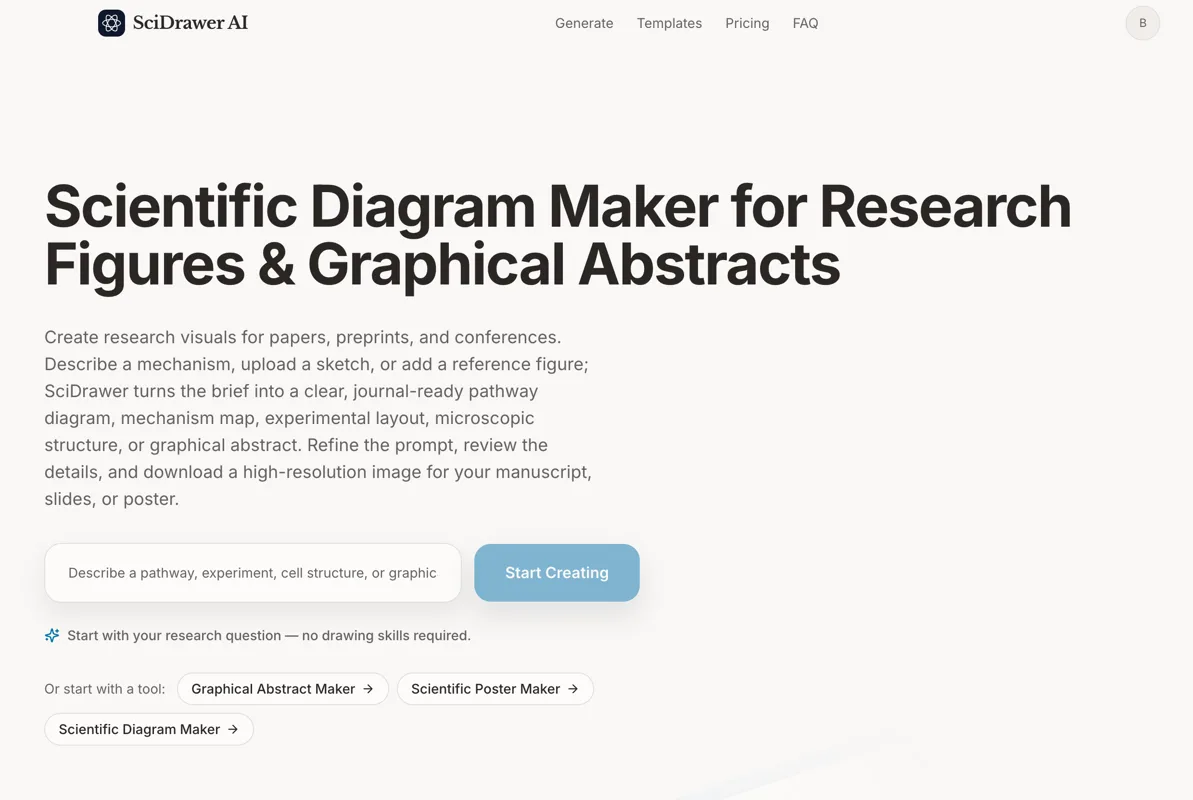
Turn a one-sentence research brief, whiteboard sketch, or reference figure into a labelled pathway diagram or graphical abstract.

Overview
What SciDrawer does
SciDrawer is an AI-powered scientific diagram maker for researchers. It turns research questions, sketches, and reference figures into clear, publication-ready visuals for papers, preprints, conferences, posters, and presentations.
Key capabilities
Researchers can describe a molecular pathway, experimental process, cellular structure, graphical abstract, or other research figure in natural language. They can also upload a hand-drawn sketch or reference figure and transform it into a polished scientific illustration. SciDrawer supports mechanism pathways, laboratory equipment diagrams, microscopic structures, experimental layouts, spatial omics atlases, cellular architecture, RNA therapeutic delivery illustrations, and conference poster layouts.
Outputs
The platform is designed for readability, with clear arrow directions, concise labels, organized layouts, and consistent visual elements. Users can choose high-resolution 1K, 2K, or 4K exports and use English or Chinese labeling. Researchers should check scientific accuracy, image permissions, labels, scale, and journal requirements before submission.
Key features
Text to scientific diagram
Describe a molecular pathway, protocol, or result in one sentence and get a labelled mechanism panel or graphical abstract with legible text and clear arrow directions.
Sketch to precise diagram
Photograph a whiteboard or napkin sketch and SciDrawer redraws it with clean geometry, aligned labels, and consistent line weights.
Reference figure style matching
Upload a figure you admire and generate new panels with a matching palette, type weight, and label style so a multi-figure manuscript reads as one visual system.
High-resolution export
Choose resolution and quality per generation and export at 1K, 2K, or 4K for posters, papers, and print.
Scientific figure templates
Use tested layouts for mechanism pathways, laboratory equipment diagrams, microscopic structures, experimental layouts, spatial omics atlases, and cellular architecture.
Conference poster layouts
Start with a finished manuscript or PDF and create a print-ready A0 poster that reuses your figures with a consistent palette and typography.
Use cases
Journal mechanism figures
Researchers can draft pathway diagrams and mechanism maps for papers and preprints from a short written brief.
Graphical abstracts
Build a concise visual summary of a study's question, method, and primary finding for a journal or preprint.
Conference posters
Turn a finished manuscript or PDF into a print-ready A0 poster that reuses existing figures with consistent typography.
Cellular and microscopic structures
Create organized visuals for cellular architecture and microscopic structures with clear labels and consistent visual elements.
Pricing & limits
Listed as freemium. A dated pricing breakdown is not available. Check the provider for current plans and allowances.
Check current pricing on the official siteFrequently asked questions about SciDrawer AI
- What is SciDrawer AI?
- It is a web-based scientific diagram maker that turns a text prompt, an uploaded sketch, or a reference figure into pathway diagrams, mechanism maps, experimental layouts, microscopic structures, graphical abstracts, and conference posters.
- Who is SciDrawer AI for?
- It is aimed at researchers preparing figures for papers, preprints, and conferences, and at labs and co-authors who need a shared workspace for multi-figure manuscripts.
- How much does SciDrawer AI cost?
- Published plans are Starter at $9/mo with 612 render credits, Pro at $23/mo with 1,564 credits, and Lab at $48/mo with 3,264 credits. One balanced 1K render costs 17 credits, and every plan includes the full template library and bilingual output.
- What resolutions can I export?
- You choose the resolution and quality for each generation and can export at 1K, 2K, or 4K for posters, papers, and print.
- Which languages does it support?
- Prompts and labelling work in English or Chinese, and bilingual output is included in every plan.
Related tools

BatchData
Property data APIs, skip tracing and a hosted MCP server
WOIPS
Empowering innovation with AI-driven intellectual property solutions.

BibGenie
Chat with PDFs and EPUBs inside Zotero, trace every answer to a page, and approve library changes before they run.

Lattice AI Research
Track what top AI labs publish daily with AI summaries, trend charts, and a weekly digest.

Truessay
Search 200M+ peer-reviewed papers first, then draft essays with verifiable DOIs in 11 languages.

Tapetide
AI-first stock research platform and MCP server for every NSE & BSE listed stock.

HyperGSC
Google Search Console AI MCP

AccuraCite
Verify bibliographies against six academic databases and find real, claim-relevant citations in seconds.