
AI coding assistant for GitHub and your IDE
Get inline code suggestions, chat, and agent help in VS Code, JetBrains, Visual Studio, Xcode, and Neovim.
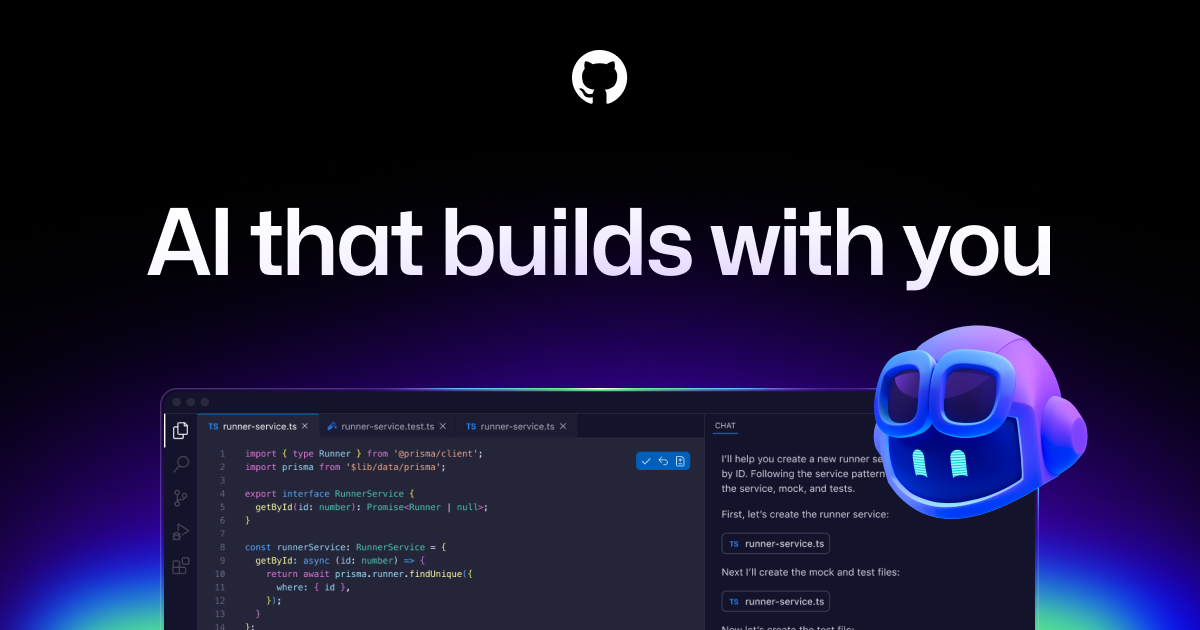
Description
GitHub Copilot is the AI coding assistant from GitHub. It suggests code as you type, answers questions about your project in chat, and can carry out multi-step coding tasks. It works inside widely used editors and on GitHub itself, for individual developers and for organizations.
How it works
After you install the extension and sign in with a GitHub account, Copilot proposes completions inline as you write. A chat panel answers questions about the open project and can propose edits. Supported editors include VS Code, Visual Studio, Xcode, JetBrains IDEs, Neovim, Eclipse, and Zed.
Who it is for
Copilot suits developers who want AI help without leaving their current editor, and teams that already host code on GitHub. Organization plans cover the IDE, the command line, and GitHub Mobile, and the Enterprise plan adds chat on GitHub.com and repository indexing.
Pricing and limits
Copilot Free costs nothing and has usage limits. Pro is $10 per month, Pro+ is $39 per month, and Max is $100 per month, each with higher allowances. Business and Enterprise plans for organizations are priced through GitHub sales.
Pricing plans
Verified 10/10/2026Key Features
Inline code completion
Suggestions appear as you type and are accepted with a keystroke.
Chat in the editor
Ask about the open project, request explanations, or have changes proposed.
Wide editor support
Works in VS Code, Visual Studio, Xcode, JetBrains IDEs, Neovim, Eclipse, and Zed.
Organization controls
Business and Enterprise plans add policy management for teams.
Use Cases
Everyday coding
Speed up boilerplate, tests, and repetitive edits in any language.
Understanding a codebase
Ask chat how a module works before changing it.
Team rollout
Give a whole engineering organization the same assistant under one policy.
GitHub Copilot Alternatives

Qodo
Review pull requests with AI across GitHub, GitLab, Bitbucket, and Azure, with plugins for VS Code and JetBrains.

Cursor
Write and change code in an editor with tab completion, project-aware chat, and agents that edit multiple files.

CodeRabbit
Get an automated review on every pull request in GitHub and GitLab, with bug findings and suggested fixes.

v0
Generate web apps and interfaces from a prompt, refine them in chat, and deploy them to Vercel.

Bolt
Describe an app in a prompt and get a running full-stack project you can edit and deploy from the browser.

Claude Code
Hand coding tasks to an agent that reads your codebase, edits files, and runs commands from the terminal.
APIPASS API Marketplace
Access 180+ AI models from OpenAI, Google, and Anthropic through one API key and one bill.

git-lrc
Catch leaked credentials, logic errors, and behavior changes before every commit.