ClawdBot AI
clawdbotai.proSelf-hosted task-executing AI assistant
Automate tasks across 50+ apps with a private, self-hosted AI assistant.
Overview
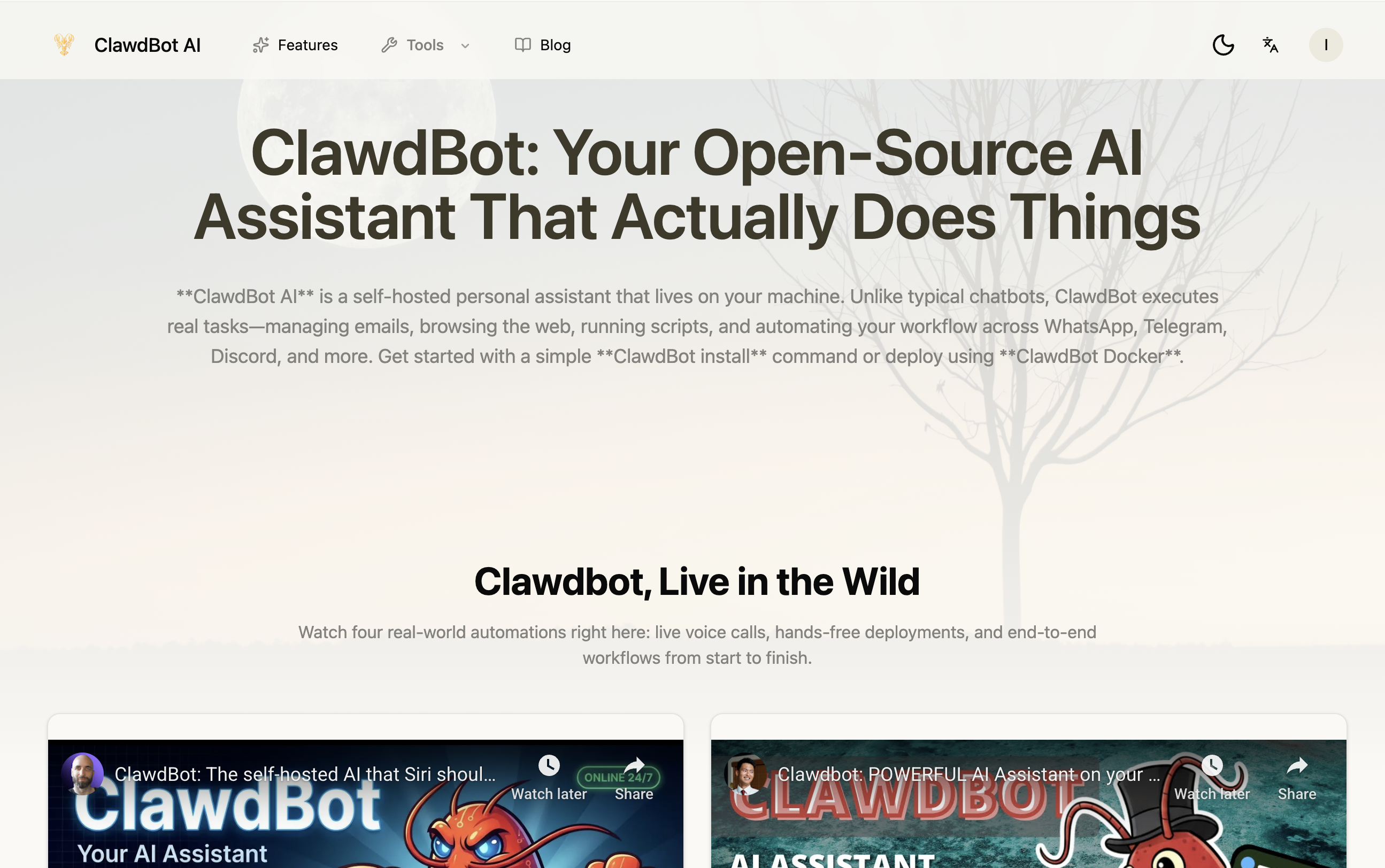
ClawdBot AI is an open-source, self-hosted personal AI assistant that runs on your machine. It executes real tasks like managing emails, browsing the web, running scripts, and automating workflows across WhatsApp, Telegram, Discord, and more. Designed for developers and power users, it keeps data private and supports flexible LLM options including Claude, GPT, Gemini, and local models via Ollama.
How it works
ClawdBot is installed with a one-line command that works on macOS, Windows, and Linux, or via Docker for containerized deployment. After installation, you connect messaging apps like Telegram, Discord, or WhatsApp using a configuration wizard. The assistant then automates tasks such as clearing emails, scheduling meetings, browsing the web, and running custom scripts, learning your preferences over time.
Key capabilities
ClawdBot supports multiple LLMs including Claude, GPT, Gemini, and local models via Ollama. It features a persistent memory system that stores context as searchable Markdown files. Browser automation lets you navigate websites, extract data, and fill forms through natural conversation. The skill marketplace offers ready-made automations from ClawdBot Hub, and you can create custom plugins.
Who it is for
ClawdBot is built for developers and power users who want a private, customizable AI assistant. It is open-source with an active community on GitHub and Reddit, where thousands contribute improvements. The platform is designed for those who need deep system access and real task execution, not just conversational responses.
Pricing and limits
ClawdBot is free and open-source, with no paid plans mentioned. It runs entirely on your hardware, ensuring data sovereignty. Security is emphasized with API keys and sensitive data never leaving your local environment, and configurable sandboxing controls what the assistant can access. The project is actively developed with community contributions.
Key features
Self-hosted and private
Runs entirely on your hardware, keeping data private and under your control.
Real task execution
Executes real tasks like web browsing, form filling, shell commands, and file management.
Multi-platform messaging
Connects to WhatsApp, Telegram, Discord, Slack, Signal, iMessage, and Microsoft Teams.
Flexible LLM support
Supports Claude, GPT, Gemini, and local models via Ollama.
Persistent memory
Remembers context and preferences, stored as searchable Markdown files.
Extensible with plugins
Install community plugins or create custom skills from ClawdBot Hub.
Use cases
Personal task automation
ClawdBot can manage emails, schedule meetings, and automate daily tasks through natural conversation.
Messaging platform automation
Connect to WhatsApp, Telegram, Discord, and more to automate workflows where you communicate.
Web browsing and data extraction
Use browser automation to navigate websites, extract data, and fill forms for e-commerce or research.
Developer workflow automation
Run custom scripts and shell commands for development workflows, including code review and deployment.
Pricing & limits
From the official site · checked 10/10/2026Frequently asked questions about ClawdBot AI
- What is ClawdBot AI?
- ClawdBot is an open-source, self-hosted personal AI assistant that runs on your machine, executes real tasks like managing emails, browsing the web, and automating workflows across messaging platforms.
- Who is ClawdBot for?
- It is designed for developers and power users who want a private, customizable AI assistant that can automate tasks across multiple apps and platforms.
- Is ClawdBot free?
- Yes, ClawdBot is open-source and free to self-host. You can install it with a one-line command or deploy via Docker, and it runs entirely on your hardware.
- What platforms does ClawdBot support?
- ClawdBot supports macOS, Windows, and Linux. It can be installed via a one-liner script or Docker for containerized deployment.
- Which messaging platforms can I connect?
- ClawdBot supports connecting to WhatsApp, Telegram, Discord, Slack, Signal, iMessage, and Microsoft Teams, among others.
Related tools

CrePal
Build and govern MCP servers and AI agents with 1,000+ data connectors and cost visibility.

BotBridge — Encrypted Peer-to-Peer Networking for OpenClaw.
Connect your AI agents with secure, encrypted relay communication.
Broodnet
Give every AI agent a real inbox to receive verification codes, notifications, and inter-agent messages.
Macuse
Let AI manage your calendar, email, notes, and any Mac app through MCP.

HiringFast
Hire AI agents like digital employees with monthly contracts and signing bonuses.

Hermes Agent Helper
Deploy a private Hermes Agent on a dedicated server, connected to Feishu, Telegram, WeChat, and more.
Ruflo AI
Coordinate Codex and Claude Code agents with reusable memory and review loops.

Connect Machine
Manage your digital cards and contacts with natural language queries.