Gemini Nano Banana
Third-partygemininanobanana.netNano Banana image generator
Create images from text, edit photos, and combine up to 14 reference images with Nano Banana models.
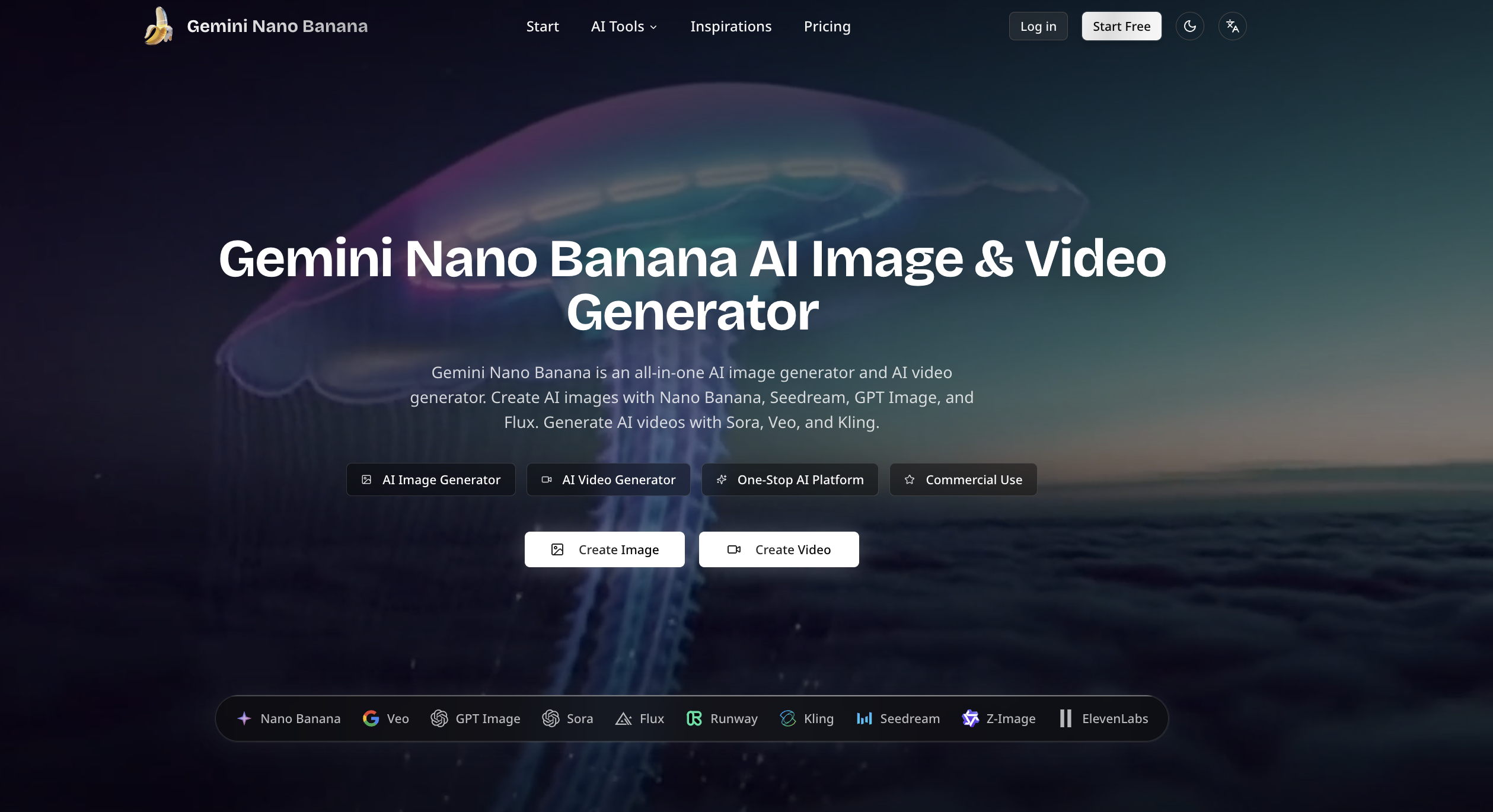
Overview
Gemini Nano Banana is an independent third-party online AI image generator and photo editor powered by Nano Banana models. It lets you create pictures from text, edit uploaded photos, and combine reference images for portraits, product visuals, and illustrations. The service is for content creators, professionals, and teams who need versatile image creation and editing tools.
How it works
The platform offers Text to Image and Image to Image modes. In Image to Image, you can upload PNG, JPG, or WEBP files up to 10MB each, with support for up to 14 reference images. You can specify aspect ratio, resolution (1K, 2K, or 4K), and output number. Advanced settings include AI Enhance and options for style, color, lighting, and composition.
Model choices
Three Nano Banana models are available. Nano Banana 2.1 is an updated version with improvements to image quality, text rendering, and consistency across edits. Nano Banana Pro is designed for complex visual instructions, detailed layouts, and text within images. Nano Banana 2 is the preceding version, still available for existing projects or comparisons.
Video integration
The service includes a video generator that can animate Nano Banana images or your own photos. You can describe the action and camera movement, or switch to Text to Video to create a scene from a written idea. This extends the workflow from still images to motion content.
Pricing and limits
Paid plans start with Basic at $6.99 per month for 200 credits, Pro at $18.99 per month for 800 credits, and Enterprise at $35 per month for 1,600 credits. All plans include AI Image Generator, AI Video Generator, AI Voice Generator, and AI 3D Model Generator, with no watermark and commercial usage rights. Credits do not roll over, and additional credit packs can be purchased.
Key features
Text to Image and Image to Image
Create images from text prompts or edit uploaded photos with Nano Banana models.
Multi-image reference support
Combine up to 14 reference images to guide compositions, such as placing a product in a new scene.
Multiple Nano Banana models
Choose from Nano Banana 2.1, Pro, and 2 for different needs like detailed layouts or consistent edits.
Resolution and output options
Generate images at 1K, 2K, or 4K resolution with adjustable aspect ratio and output quantity.
Image to video conversion
Turn Nano Banana images into videos with the video generator, describing action and camera movement.
Use cases
Product visuals
Create product concepts from text or place an existing product in a new setting for a shop or campaign.
Photo edits and style changes
Give a portrait a different outfit, replace a background, or transform a photo into an illustration.
Compositions from multiple images
Bring a subject, setting, and visual style together from separate references to build a scene.
Characters and visual series
Explore a character in different settings or develop a set of related images for a story.
Pricing & limits
From the official site · checked 10/10/2026Frequently asked questions about Gemini Nano Banana
- How do I use Gemini Nano Banana?
- Choose Text to Image and describe the picture you want, or choose Image to Image and upload a photo to edit. Select a Nano Banana model, adjust the available settings, and generate.
- Can I try Gemini Nano Banana for free?
- Yes. Create an account to try image generation and photo editing with the free access available to new users. Free usage is limited; visit the pricing page for options to continue creating.
- What is the difference between Nano Banana 2.1, Pro, and 2?
- Start with Nano Banana 2.1 for new image projects. Consider Pro for complex layouts with several objects or detailed spatial instructions. Keep Nano Banana 2 for an existing workflow when matching earlier images matters.
- Can Nano Banana combine multiple images?
- Yes. Upload reference images in Image to Image and explain how they should fit together. You can place a product in a new scene or use separate references for a subject and a visual style.
Related tools
Imaginepro
Create images with Midjourney and Flux models, remove backgrounds, and add text effects.
Nano Banana 2 Flash
Generate pro-level AI images with extreme speed and low latency, supporting 1K, 2K, and 4K resolutions.
Tryonr
Turn flat product shots into model try-ons, annotations, and 9-angle galleries in under 2 minutes.
Wan 2.7 Image
Generate and edit images with face control, palette matching, and readable long text in one browser workflow.
Fiddl.art
Create AI images and videos with top models, earn points, and train custom models.
GPT Image 2
Generate photorealistic images with sharp 4K text using GPT Image 2, no API key required.
Seedream 6.0 - Free AI Image Generator
Create photorealistic images from text prompts with accurate text rendering and fast generation.
AI Consistent Character
Generate characters with the same face across images and videos from a single reference photo.